Your Eyes Are Tiring: Comparing the Best Tools to Enforce That Needed Break
By the end of a long workday, do your eyes feel dry, heavy, or strangely blurry? You're not imagining it. Hours of uninterrupted screen time can leave your eyes feeling exhausted, often bringing headaches and difficulty focusing along for the ride. The trouble is, most of us don't notice how long we've been staring at a monitor until the discomfort has already set in.
That's why eye doctors often recommend the 20-20-20 rule: every 20 minutes, look at something about 20 feet away for at least 20 seconds. It's simple advice—and surprisingly effective—but it's also incredibly easy to forget when you're deep into work. The good news is that you don't have to rely on memory alone. We looked through the best eye-care apps in the US App Store and picked the ones that make healthy screen habits easier to stick with, without constantly interrupting your day.
1. LookAway
OS Availability: macOS
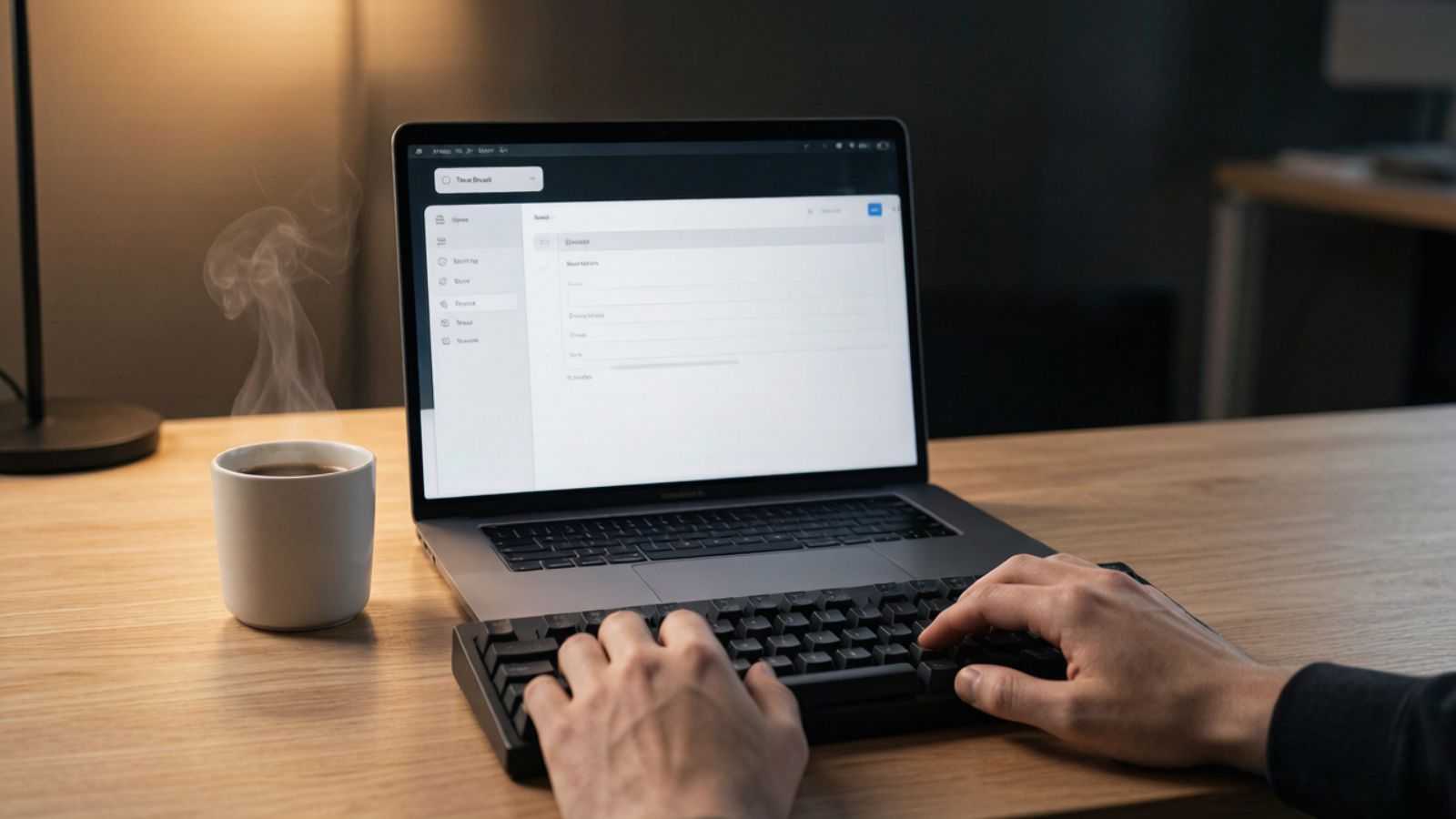
LookAway feels less like a timer and more like a thoughtful coworker who knows when not to interrupt you. Instead of rigidly enforcing breaks every few minutes, it adapts to the way you actually work.
Where It Shines
Its standout feature is Smart Pause. The app can recognize when you're in the middle of a meeting, watching a presentation, or focused on creative work, then delays your reminder until you've reached a more natural stopping point. That small bit of intelligence makes a big difference because you're far less likely to dismiss a reminder that arrives at the right moment. Alongside break notifications, it also includes posture and blink reminders to support healthier screen habits overall.
Pricing: Free trial available; monthly, yearly, or lifetime subscription required for full functionality.
Pros:
Smart reminders that avoid interrupting important tasks.
Lightweight app that stays quietly in the menu bar.
Includes posture and blink reminders alongside eye-break notifications.
A Few Things to Know
LookAway is exclusive to macOS, so Windows users will need to look elsewhere.
2. Eye Care 20 20 20
OS Availability: iOS / Android
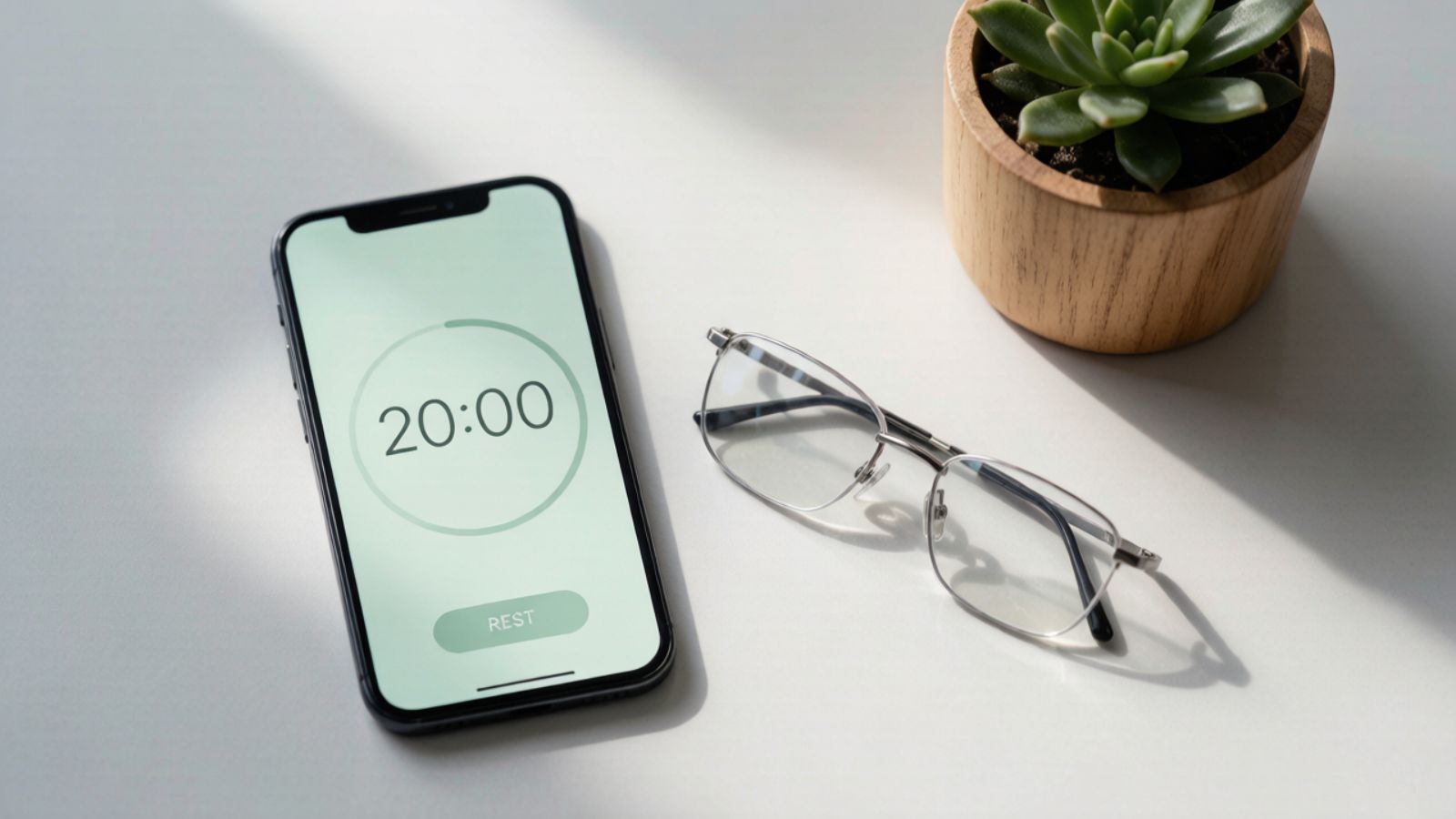
Sometimes the simplest tools are the ones you actually keep using. Eye Care 20 20 20 sticks closely to the well-known eye-care rule without adding unnecessary features that get in the way.
Where It Shines
Once you've set your preferred working hours, the app quietly takes care of the rest. Every twenty minutes, it sends a gentle reminder to look away from your screen, helping you build the habit without having to remember to restart timers throughout the day. It's straightforward, dependable, and surprisingly easy to leave running in the background.
Pricing: Free with ads; optional Pro subscriptions and lifetime purchase available.
Pros:
Built specifically around the doctor-recommended 20-20-20 rule.
Flexible reminder intervals and notification sounds.
Automatic scheduling works well for regular office hours.
A Few Things to Know
The free version includes advertisements, and some customization features require an upgrade.
3. Time Out
OS Availability: iOS / Android
Time Out has been around for years, and there's a reason it still has a loyal following. It gives you complete control over how often you take breaks, making it especially appealing if you like to fine-tune your workflow.
Where It Shines
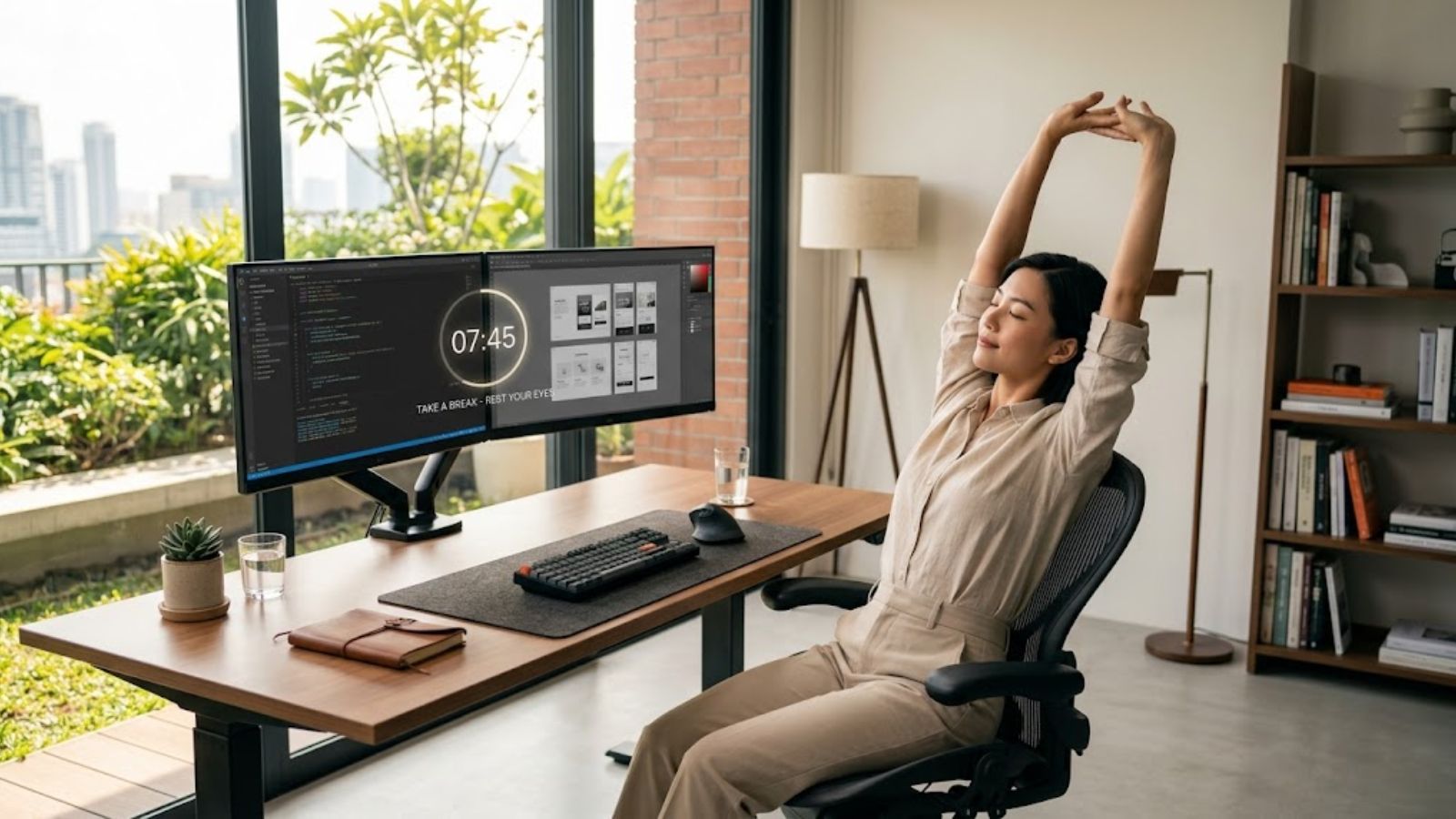
Its biggest advantage is the dual-break system. You can schedule short "micro breaks" every few minutes to rest your eyes, while also setting longer breaks each hour to stretch, stand up, or take a quick walk. That combination helps reduce both eye fatigue and the stiffness that comes from staying glued to your chair all day.
Pricing: Free basic version; advanced customization available through a one-time purchase.
Pros:
Exceptionally flexible break scheduling.
Supports custom actions like sounds or scripts during breaks.
No subscription required for its core functionality.
A Few Things to Know
The interface hasn't changed much over the years, so it feels a little less polished than some newer alternatives.
4. Take a Break
OS Availability: iOS / Android
Some people see a reminder and immediately click "Later." If that sounds familiar, Take a Break was practically built for you.
Where It Shines
Its defining feature is the optional Mandatory Lock Screen. Instead of simply suggesting that you step away, it temporarily blocks your screen until your break is over. It may sound strict, but for people who routinely work through every reminder, that extra push can make the difference between healthy habits and another four-hour marathon in front of the monitor.
Pricing: Free version available; Pro features unlocked with a one-time purchase.
Pros:
Lock screen option makes skipping breaks much harder.
Menu bar countdown keeps your next break visible.
Lightweight and easy on system resources.
A Few Things to Know
The forced-break feature works best after a little tweaking. If your reminders are too frequent or your breaks too long, it can quickly become more frustrating than helpful.
5. Eye Rest: 20-20-20
OS Availability: iOS
If you prefer your reminders to come from your phone or smartwatch instead of your computer, Eye Rest offers one of the cleanest experiences available.
Where It Shines
Apple Watch integration is what really sets it apart. A subtle tap on your wrist is often enough to remind you to look away without throwing a popup across your screen or interrupting your concentration. Starting and managing rest sessions directly from your watch also feels surprisingly convenient once it becomes part of your routine.
Pricing: Free to download with optional in-app purchases.
Pros:
Modern, uncluttered interface.
Excellent Apple Watch support.
No account required, with data stored locally for added privacy.
A Few Things to Know
The app delivers its best experience if you're already part of the Apple Watch ecosystem. Without one, some of its biggest advantages disappear.
Which One Should You Choose?
If you work on a Mac all day and want reminders that fit naturally around your workflow instead of interrupting it, LookAway is easily the standout choice. Its Smart Pause feature makes breaks feel helpful rather than intrusive.
If your goal is simply to stick to the 20-20-20 rule on your iPhone or iPad, Eye Care 20 20 20 does exactly what it's supposed to do—and does it consistently.
And if you're the type of person who always clicks "Skip" because you're "almost finished," Take a Break might be exactly the accountability partner you need. Sometimes the most effective reminder is the one you can't ignore.
One final tip: if you've become so accustomed to your reminder sound that you barely notice it anymore, try switching it up. A different chime—or even a subtle vibration if you're using a smartwatch—can make your brain pay attention again without feeling disruptive. Sometimes a tiny change is all it takes to turn a reminder back into a habit.