Your Default Phone Contacts App Isn’t Enough to Keep Valuable Connections Alive
Introduction
Most people don’t lose meaningful contacts just because they forgot a phone number.
They lose track of relationships because they lose the context behind them.
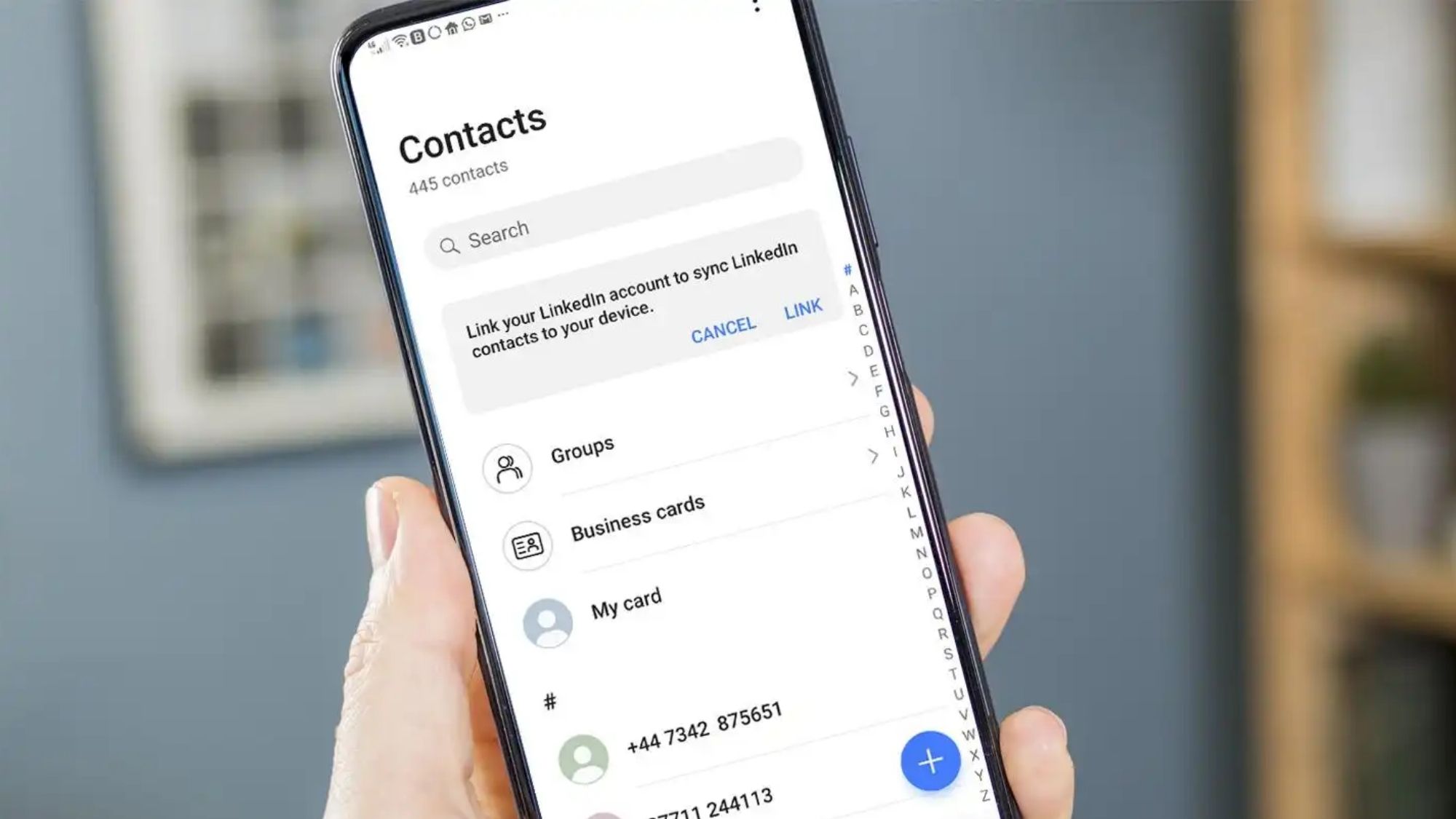
Think about that person you chatted with at a conference half a year back. The former coworker who tossed around a promising startup pitch. A client who hated phone calls and preferred all updates via email. A mentor whose birthday you meant to mark next month. Standard built-in contact apps only save names, numbers, and email addresses. They offer zero help recalling why a connection matters, or when you should reach out next.
That’s where modern relationship-focused contact managers fill the gap.
Top networking apps go far beyond basic digital address books. They store detailed personal notes, log every past conversation, send gentle prompts to follow up, tag contacts by category, build timelines of your history together, and nudge you to reconnect before relationships fade away.
For this roundup, I only reviewed actively maintained apps live on the Apple App Store and Google Play. I measured each tool against real networking priorities: - Clear contact grouping and organization - Tracking of past calls, messages, and meetings - Custom reminders for follow-ups and check-ins - Full cross-device compatibility - Simple, intuitive daily use - Secure privacy settings for personal data - Straightforward pricing with hidden fees
I wasn’t hunting for flashy enterprise CRMs. My goal was finding lightweight tools that actually make it easier to nurture the personal and professional connections you care about most.
1. Clay
Availability: iOS only
Pricing: Free base version; premium subscription unlocks full advanced functionality
What actually delivers value for networkers
Clay has blown up among professional networkers for one core reason: it treats human relationships like living, evolving threads — not static lines in a boring address book.
With your permission, the app pulls relevant data from your saved contacts, calendar entries, email threads, LinkedIn profiles, and other social accounts to build a complete picture of every person you know. Its best trick? Timely, specific prompts that catch gaps you’d otherwise miss: a six-month gap since your last chat, a recent job promotion, or an upcoming work anniversary for a key contact.
For anyone who meets dozens of new faces at conferences, client meetings, and industry mixers, these little reminders eliminate the awkward “who even are you?” follow-up texts months later.
Clay’s superpower is contextual memory. Instead of isolated name-and-number entries, every contact page holds the full backstory of how and when you crossed paths.
Pros
Sharp, personalized relationship check-in reminders
Deep layered context for every contact
Automatic profile updates pulled from connected accounts
Sleek, uncluttered mobile layout
Built specifically for consistent professional networking
Cons
Exclusive to Apple iPhones; no Android support
Full feature set requires linking external accounts
All high-end tracking and automation sits behind paid premium
Best For
Working professionals who attend regular networking events and want consistent support maintaining long-term industry connections.
2. Monica
Availability: iPhone & Android
Pricing: Free self-hosted version for tech-savvy users; cloud-hosted monthly subscription tiers available
What actually delivers value for networkers
Monica takes a totally different angle: it’s built as a fully personal relationship manager, equal parts for your career contacts and loved ones.
You log birthdays, past conversations, small personal details, gift ideas, and post-meeting follow-up prompts for every entry on your list. It doesn’t skew hard toward business leads like many competing networking tools — it works equally well for close family, childhood friends, mentors, clients, and former teammates.
You can build a dense, chronological timeline of every interaction you’ve shared with someone, and the longer you use the app, the more useful that stored context becomes.
Pros
Unmatched depth for tracking every detail of personal and professional bonds
Balanced functionality for work contacts and personal loved ones
Customizable reminder system for check-ins, birthdays, milestones
Flexible privacy controls, including self-hosted offline data storage
Permanent free option for users comfortable with self-hosting
Cons
Longer initial setup to populate contact details manually
Visual interface lacks the polished finish of Clay
Dense feature set can feel overwhelming for first-time users
Best For
Anyone wanting a single comprehensive personal CRM to manage both career connections and personal relationships long-term.
3. Covve
Availability: iPhone & Android
Pricing: Free download with optional premium monthly subscriptions
What actually delivers value for networkers
Covve lands neatly between a standard smart address book and a simplified lightweight business CRM.
It auto-fills missing professional details on contact profiles using public online data, lets you sort people into custom groups, and sends scheduled prompts to reconnect with contacts you haven’t spoken to in a while.
Its standout feature is built-in business card scanning. If you regularly collect stacks of paper cards at conferences, trade shows, or in-person client meetings, this tool cuts out hours of tedious manual data entry.
Pros
Reliable high-quality business card scan functionality
Automatic profile enrichment for professional contacts
Works seamlessly across iOS and Android devices
Simple recurring reminders to reignite stale connections
Fast, low-friction setup for new users
Cons
Auto-filled public profile information can sometimes be incomplete or outdated
Advanced automation and reporting locked behind premium paywalls
Less space to log deep personal backstories compared to Monica
Best For
Professionals who attend frequent industry events and collect large volumes of physical business cards.
4. Contacts+
Availability: iPhone & Android
Pricing: Free base tier with layered premium subscription upgrades
What actually delivers value for networkers
Contacts+ centers its whole design around cleaning up messy, bloated contact lists.
It hunts down and merges duplicate entries across synced accounts, syncs all your contacts across every device, pulls profile photos and social media details to flesh out bare-bones entries, and offers far faster search than most default phone contact tools.
It doesn’t match Clay or Monica when it comes to nurturing long-term relationships, but it’s unbeatable for untangling a disorganized, fragmented address book full of repeats and missing info.
Pros
Industry-leading duplicate contact merging and cleanup tools
Smooth cross-device sync across all your phones and tablets
Robust tagging and grouping for organized contact sorting
Near-instant search across thousands of saved entries
Simple import workflow for existing messy contact libraries
Cons
Very limited features for relationship nurturing and follow-up planning
Basic, generic reminder functionality only
All advanced cleanup and sync tools require a paid subscription
Best For
Users stuck with a huge, cluttered contact list full of duplicate entries and missing profile details.
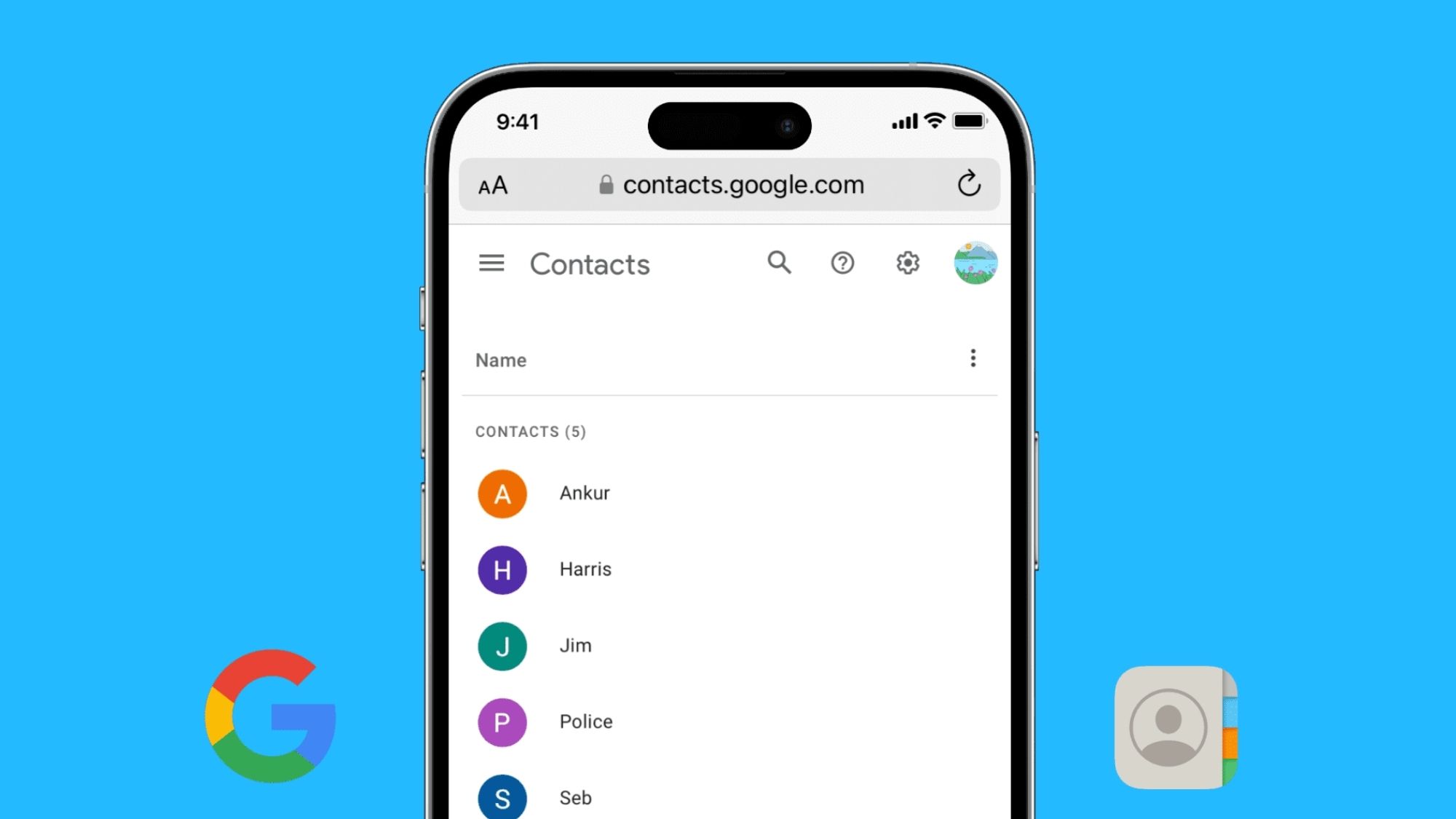
5. Google Contacts
Pricing: 100% free with no subscriptions
What actually delivers value for networkers
Most people overlook Google Contacts because it’s preloaded on countless phones, but it’s one of the most consistent no-cost contact management systems available today.
It syncs flawlessly across every device you log into, automatically merges duplicate contacts, supports custom label tagging, stores unlimited personal notes on each profile, and integrates natively with Gmail and the full Google Workspace suite.
It lacks the advanced networking automation and relationship tracking of paid apps, but it delivers solid, reliable organization without forcing you to pay for another monthly service.
Pros
Zero cost, no hidden charges or paywalls
Near-perfect cross-device cloud sync
Automatic duplicate detection and merging
Fully functional on every major mobile and desktop platform
Deep integration with Gmail, Calendar, and other Google tools
Cons
No native prompts or reminders to follow up with contacts
No built-in logging of past calls, meetings, or conversations
Minimal specialized tools built for professional networking
Best For
Anyone seeking a capable, clutter-free free contact manager without extra premium networking features.
Final Verdict
For most working professionals and consistent networkers, Clay stands out as the most well-rounded relationship management app on the market right now.
It weaves together scattered contact data, full interaction history, gentle follow-up prompts, and real-time profile updates into one cohesive tool. It feels less like a boring address book and more like an external memory bank for every important relationship you build.
2026 Top Tool Breakdown by Use Case
Best All-Round Networking & Relationship App: Clay
Best Full Personal & Professional CRM: Monica
Top Business Card Scanning Solution: Covve
Best Contact List Cleanup Utility: Contacts+
Top Free Contact Management Option: Google Contacts
The Core Takeaway
The most useful networking tool isn’t always the one stacked with the longest feature list. It’s the app that removes friction from consistent outreach, reminding you to check in and follow up before connections fade.
Countless career opportunities and close personal bonds hinge on staying consistent with people you’ve met. That ability to maintain steady, thoughtful contact matters far more than just storing another name and phone number in a basic default contacts folder.