Stop Being Tracked: The 5 Best Mobile Privacy Apps & Browsers for 2026
Smartphone security has shifted from an afterthought to an absolute necessity. Advertising trackers, advanced fingerprinting techniques, public Wi-Fi vulnerabilities, and sophisticated phishing schemes mean that standard device usage routinely exposes massive amounts of personal data.
To identify the most effective defenses, an extensive multi-week evaluation was conducted across both Android and iOS ecosystems. Rather than relying on corporate marketing claims, this assessment prioritized practical, real-world performance metrics: actual browsing speed, tracker-blocking efficiency, interface intuitiveness, modern web compatibility, battery consumption, and overall security robustness. Mobile utilities were also scrutinized to ensure they safeguard user data silently without disrupting daily workflows.
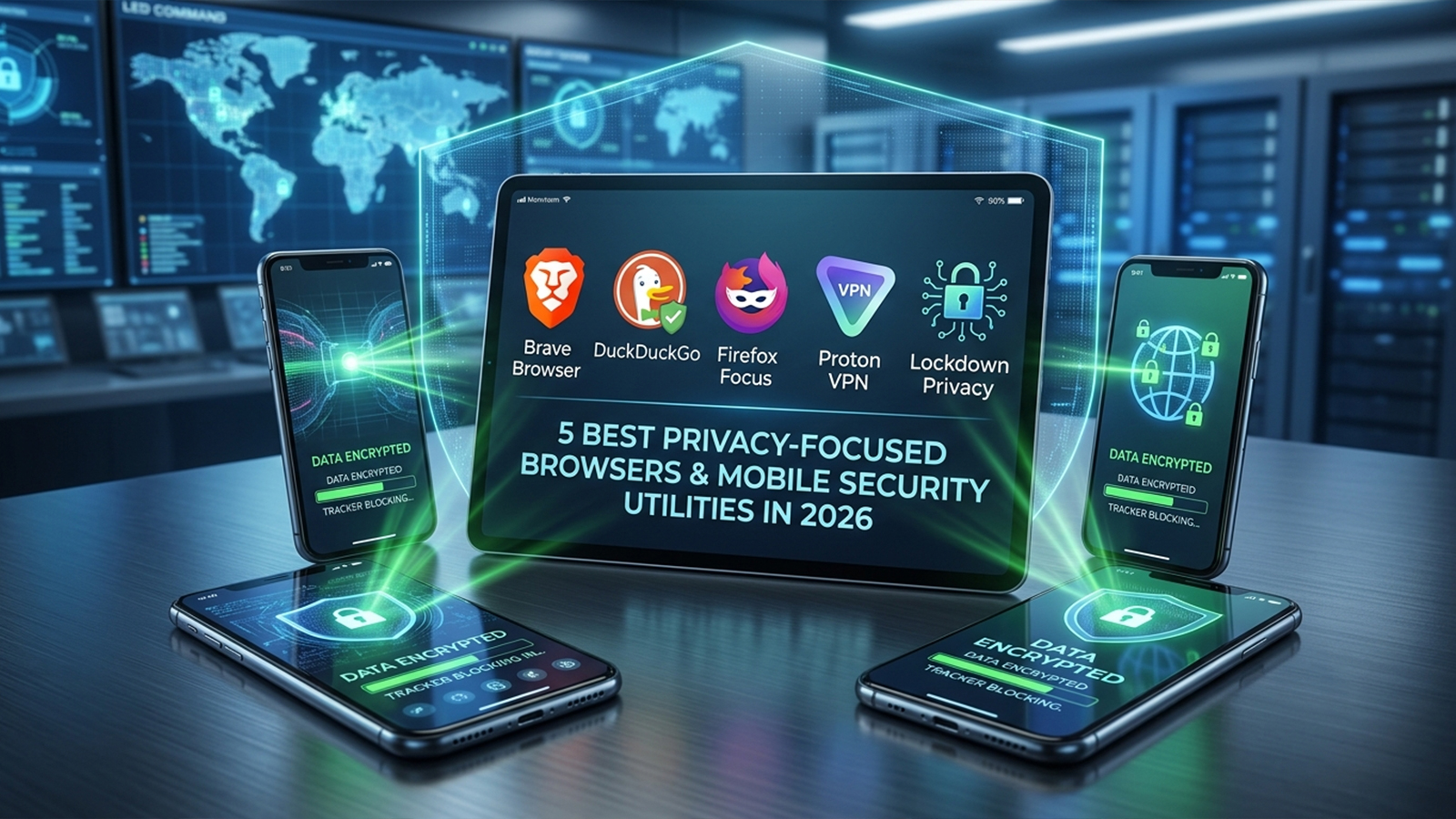
The resulting selection highlights applications that deliver verifiable privacy enhancements while remaining practical for everyday use. Every featured app is readily available on the US Apple App Store or Google Play, with all pricing structures verified for 2026.
1. Brave Browser (iOS & Android)
Performance and Core Capabilities
Brave remains the most straightforward recommendation for mainstream users seeking robust protection out of the box. While alternative privacy browsers often require complex extension management or hidden configuration tweaks, Brave blocks advertisements, cross-site trackers, third-party cookies, and digital fingerprinting immediately upon installation. The software also forces secure HTTPS connections by default and integrates an independent, privacy-centric search engine.
Testing confirmed that Brave loads web pages significantly faster than conventional mobile browsers, primarily because data-heavy tracking scripts are intercepted before they can execute. This aggressive blocking results in a much cleaner, less cluttered visual experience on media-heavy websites.
While the application features premium upgrades—such as a system-wide Firewall and VPN subscription—these add-ons remain entirely optional and do not interfere with the core free browsing experience.
Pricing: Free; optional premium subscriptions available for advanced features.
Pros & Cons
Pros:
Comprehensive ad and tracker blocking enabled by default
Superior page-loading speeds and performance
Zero-configuration setup suitable for all technical levels
Advanced protection against browser fingerprinting
Seamless cross-platform availability on iOS and Android
Integrated private search functionality
Cons:
Occasional website script breakages require manual adjustments to "Shields"
System-wide VPN functionality is gated behind a premium paywall
Bundled features like AI assistants and Web3 tools may feel excessive for minimalist users
2. DuckDuckGo Privacy Browser (iOS & Android)
Performance and Core Capabilities
DuckDuckGo has successfully transitioned from a specialized search tool into a streamlined, highly efficient mobile browser. The application intentionally avoids overwhelming users with endless settings menus, focusing instead on frictionless, invisible data protection.
During real-world deployment, the browser proved exceptionally aggressive at suppressing annoying cookie consent banners and hidden web trackers. A standout feature is the dedicated "Fire Button"—a single tap instantly purges all open tabs, cached history, and session cookies. This mechanism provides immediate peace of mind, particularly when utilizing shared or corporate devices. Beyond web navigation, the app extends its utility by offering email tracker protection and broader identity defense tools.
Pricing: Free.
Pros & Cons
Pros:
Clean, minimalist interface that eliminates user confusion
Highly effective, automated tracker interception
One-tap "Fire Button" for instant data clearing
Native suppression of invasive cookie consent pop-ups
Ideal for individuals seeking privacy without manual tuning
Cons:
Fewer granular security adjustments compared to advanced rivals
Highly limited interface and aesthetic customization options
Lacks the deep feature set found in heavy-duty browsers like Brave
3. Firefox Focus (iOS & Android)
Performance and Core Capabilities
Firefox Focus abandons the traditional browser blueprint entirely. Rather than attempting to serve as a primary hub for daily web navigation, it functions as a specialized, ephemeral tool designed for isolated browsing sessions.
Every single session in Firefox Focus starts with a completely blank slate. The moment the application is minimized or closed, all browsing history, tracking cookies, saved passwords, and cache data are instantly obliterated. This unique behavior makes the browser highly effective for rapid tasks that demand strict confidentiality, such as checking medical information, managing sensitive financial transactions, or researching private topics. Because the interface is stripped of tabs and heavy bookmarks, resource consumption is minimal, and page rendering is incredibly swift.
Pricing: Free.
Pros & Cons
Pros:
Automated, unconditional session wiping upon exit
Lightweight footprint with minimal battery drain
High-speed performance due to a stripped-down codebase
Excellent utility for short, sensitive web lookups
Cons:
Severe feature constraints (no multi-tab management or persistent bookmarks)
Impractical as a primary, full-time mobile browser
Virtually no options for personalized customization
4. Proton VPN (iOS & Android)
Performance and Core Capabilities
While privacy-oriented browsers successfully secure web traffic, they are fundamentally incapable of encrypting data generated by other applications running on a smartphone. Proton VPN addresses this system-wide vulnerability by establishing an encrypted tunnel for all outbound and inbound mobile traffic.
Evaluations conducted on insecure public Wi-Fi networks—such as those found in airports, hotels, and cafes—demonstrated that Proton VPN maintains highly stable connections while rendering intercepted data unreadable to malicious actors. A major competitive advantage is the provider's free tier, which notably lacks the restrictive bandwidth caps common among competing free VPNs. For users demanding optimized speeds, specialized streaming servers, and multi-hop routing, premium tiers are available. Furthermore, the mobile applications are entirely open-source and undergo regular independent security audits, ensuring verifiable transparency.
Pricing: Free tier available; premium subscriptions offered for advanced server access.
Pros & Cons
Pros:
Military-grade data encryption across all mobile apps
Strong organizational reputation backed by strict Swiss privacy laws
Free tier provides unlimited data bandwidth
Open-source code base subject to public, independent audits
Cons:
Free-tier servers frequently experience high user congestion
Top-tier connection speeds and specialized servers require payment
A minor reduction in raw connection speed is inevitable due to encryption overhead
5. Lockdown Privacy (iOS)
Performance and Core Capabilities
While Android users have access to a variety of system-wide configuration utilities, iOS users often face rigid platform limitations. Lockdown Privacy solves this dilemma on the iPhone by operating a localized, on-device firewall that blocks tracking connections before they ever leave the hardware.
Monitoring logs during active testing revealed that Lockdown successfully intercepts hundreds of hidden background connection attempts from popular applications daily, all without degrading standard app functionality. The platform provides transparent, easy-to-read logs detailing exactly which third-party domains are attempting to harvest device data in the background. While a premium cloud-based VPN is available as an add-on, the core local firewall remains an invaluable, free asset for iPhone users looking to enhance their default Safari ecosystem.
Pricing: Free local firewall; optional premium subscription for cloud VPN services.
Pros & Cons
Pros:
System-wide tracker blocking that extends past the web browser
Operates locally on the device without routing traffic to external servers
Clear, insightful reporting on background tracking behavior
Functions as an excellent secondary layer alongside Safari
Cons:
Exclusively available for the iOS ecosystem
Full network encryption requires a paid VPN upgrade
Certain legitimate apps may require manual whitelisting to function properly
Selecting the Optimal Mobile Defense Strategy
An analysis of these five utilities reveals that Brave provides the most well-rounded equilibrium of privacy, speed, and daily usability for the average smartphone user. It demands zero configuration while delivering robust tracker blocking that enhances both device performance and data confidentiality.
For users who prioritize extreme simplicity over deep feature sets, DuckDuckGo serves as a highly commendable alternative. Meanwhile, Firefox Focus remains unmatched as a secondary, temporary tool dedicated strictly to isolated, sensitive search sessions.
However, software isolation means that browsers alone cannot provide total smartphone security. Pairing an application like Brave or DuckDuckGo with a system-wide tool like Proton VPN yields a substantially more resilient defense, particularly when connecting to untrusted public networks. For iPhone owners, incorporating Lockdown Privacy provides a crucial extra layer of visibility into the hidden background behaviors of standard applications.
While no combination of software can guarantee absolute anonymity online, deploying a dedicated privacy browser alongside a reputable security utility drastically minimizes data harvesting, limits tracking footprints, and establishes a significantly safer mobile environment.