Juice Up Smarter: Top 5 Battery Monitoring Apps for Android & iOS
A smartphone is only as useful as the battery powering it. Whether an iPhone is struggling to last through a workday or an Android device is losing charge faster than expected, battery problems remain a universal frustration. While modern operating systems include built-in battery management tools, these native settings often provide only surface-level data. Dedicated battery monitoring apps bridge this gap by revealing charging speeds, real-time health metrics, temperature fluctuations, and long-term degradation.
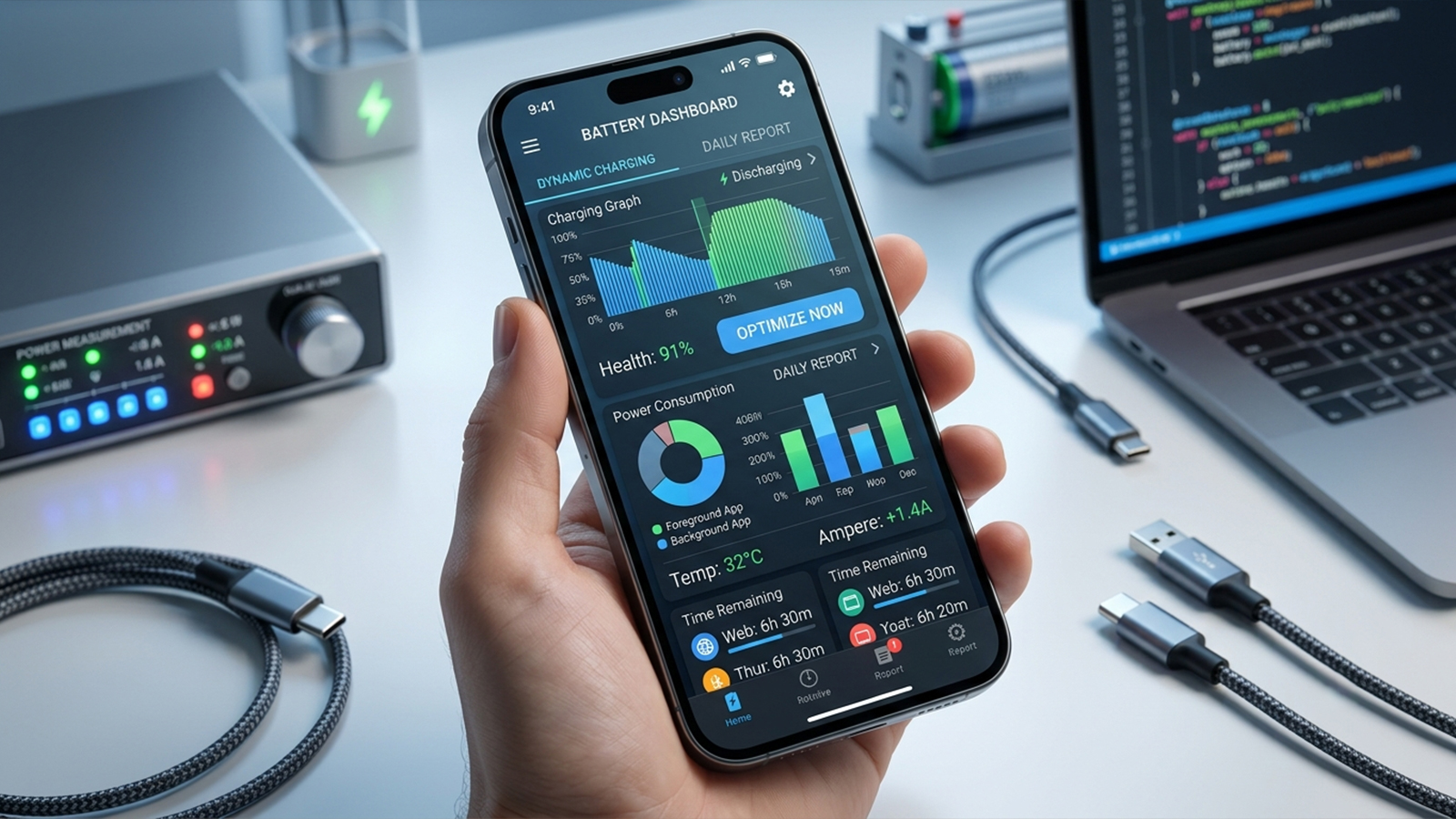
Evaluating these tools requires looking past marketing claims to focus on real-world performance. The most effective apps display precise statistics, identify power-hungry background processes, consume minimal system resources, and present data clearly. Pricing, update frequency, and overall user experience also dictate which apps truly stand out.
A critical platform distinction shapes how these apps function. On iOS, Apple strictly restricts third-party access to core battery diagnostics. Consequently, iPhone battery apps cannot offer the deep monitoring available on Android, where developers enjoy far greater access to system-level metrics.
AccuBattery (Android)
Availability: Android
Pricing: Free with ads; optional one-time Pro upgrade via in-app purchase.
Performance Analysis
AccuBattery remains a benchmark for Android battery monitoring by rejecting unrealistic "battery boosting" gimmicks. Instead, the app focuses strictly on scientific tracking: measuring design capacity, estimating long-term degradation, and pinpointing exact per-app power consumption.
The charging health monitor provides immediate practical value. By tracking charging sessions and encouraging users to unplug before hitting 100%, the app calculates cumulative wear over time. This data directly helps users adopt healthier charging habits to prolong lithium-ion lifespans.
Discharge tracking proves equally reliable. During multi-day testing involving heavy GPS navigation, video streaming, gaming, and web browsing, the app's captured statistics mirrored Android's internal logs while delivering vastly superior detail.
Pros:
Excellent long-term battery health tracking
Highly accurate charging current measurements
Detailed per-app battery usage statistics
Useful charging alarm feature
One-time Pro purchase instead of mandatory subscription
Lightweight background resource usage
Cons:
Android only
Battery health estimates require several charging cycles to reach peak accuracy
Free version contains advertisements
Battery Guru (Android)
Availability: Android
Pricing: Free with ads; optional subscription/in-app purchases for premium features.
Performance Analysis
Battery Guru has emerged as a formidable alternative to AccuBattery. Rather than focusing solely on capacity retention, this application delivers a comprehensive dashboard that tracks battery temperature, real-time wattage, charging history, deep sleep cycles, and custom alerts.
The interface shines when deployed across multiple Android devices, presenting historical performance through clean, readable charts. The wattage statistics are particularly helpful for auditing USB-C accessories, allowing users to instantly spot degraded cables or underpowered chargers.
Furthermore, the real-time temperature tracking proves essential during prolonged gaming or multitasking sessions, highlighting thermal spikes that threaten battery longevity far more than normal discharge cycles.
Pros:
Excellent charging analytics
Attractive and modern interface
Historical battery performance tracking
Battery temperature and charging alarms
Helpful home screen widgets
Cons:
Premium subscription unlocks several advanced features
Advertisements in the free version
Some battery usage calculations may differ slightly from Android's built-in estimates
Battery Life Health Doctor Pro (iOS)
Availability: iPhone and iPad
Pricing: Free with optional subscription for premium tools.
Performance Analysis
Because Apple restricts access to core system diagnostics, no third-party iOS app can calculate true hardware capacity or exact charging currents. Battery Life Doctor Pro succeeds because it works creatively within these boundaries rather than making false promises.
The application functions primarily as an optimization assistant. Testing reveals reliable runtime estimates, proactive charging reminders, and actionable advice for reducing daily drain. It also bundles storage management utilities to clean up cached files, tackling overall device maintenance.
Instead of trying to replace the native iOS Battery Health menu, this tool serves as a practical, feature-rich companion.
Pros:
Simple interface
Helpful charging reminders
Easy-to-understand battery usage estimates
Includes storage cleanup recommendations
Cons:
Limited by Apple's API restrictions
Cannot access true battery health data beyond what iOS allows
Some advanced features require a subscription
Battery HD+ (iOS & Android)
Availability: iOS and Android
Pricing: Free with optional in-app purchases.
Performance Analysis
Battery HD+ maintains its popularity by prioritizing straightforward time estimation over dense engineering data. The app bypasses complex diagnostic charts, focusing instead on calculating exactly how many hours of video playback, gaming, music streaming, or talk time remain.
These situational estimates prove highly practical for daily planning. Checking the app before a long flight or a day of travel makes it easy to determine whether a top-up charge is genuinely necessary.
While enthusiasts might find the feature set basic, the app's utter simplicity remains its core strength across both major mobile platforms.
Pros:
Supports both Android and iPhone
Extremely easy to understand
Useful activity-based battery estimates
Minimal learning curve
Cons:
Limited diagnostic information
Fewer advanced monitoring tools
Interface feels somewhat dated
Ampere (Android)
Availability: Android
Pricing: Free with ads; optional paid upgrade.
Performance Analysis
Ampere ditches traditional battery monitoring to focus entirely on a single task: evaluating charging performance. By operating as a virtual multimeter, it displays real-time charging current, incoming voltage, maximum capacity, and temperature.
This targeted approach makes the app incredibly efficient for troubleshooting charging hardware. Testing various wall bricks, wireless pads, and cables immediately exposes which accessories fail to hit their advertised power delivery speeds.
For isolating charging bottlenecks or identifying faulty hardware, Ampere is unmatched in speed and utility.
Pros:
Excellent charging diagnostics
Very lightweight
Easy charger comparison
Accurate current measurements on supported devices
Cons:
Not a complete battery health solution
Interface is relatively basic
Some device manufacturers restrict certain measurements
Choosing the Right Battery App
Selecting the ideal tool depends heavily on individual diagnostic needs and hardware platforms.
For Long-Term Health Tracking: AccuBattery provides the most accurate degradation data over extended periods.
For Deep Analytics & Customization: Battery Guru caters to enthusiasts who want rich historical charts and granular alert settings.
For Hardware Troubleshooting: Ampere is the definitive choice for testing cables and charging speeds.
For Simple, Actionable Estimates: Battery HD+ offers straightforward time-remaining calculations without technical clutter.
For iPhone Users: Battery Life Doctor Pro serves as a helpful utility companion, though platform limitations mean expectations must remain anchored to reality.
Summary and Recommendations
AccuBattery stands out as the most balanced, data-driven option for the Android ecosystem. Its focus on battery wear prevention, combined with a non-intrusive design and a fair one-time upgrade model, makes it an essential utility for maximizing hardware lifespan.
On the iOS side, platform boundaries dictate a different approach. Battery Life Doctor Pro delivers a polished experience with helpful everyday management tools, but Apple's native settings menu remains the sole authority for definitive hardware health.
No software application can reverse physical battery aging or overwrite hardware limits. However, deploying the right monitoring tool grants clear visibility into power consumption patterns and charging efficiency, ultimately helping protect device longevity.