Home Security Apps: Smart Solutions for Remote Monitoring in 2026
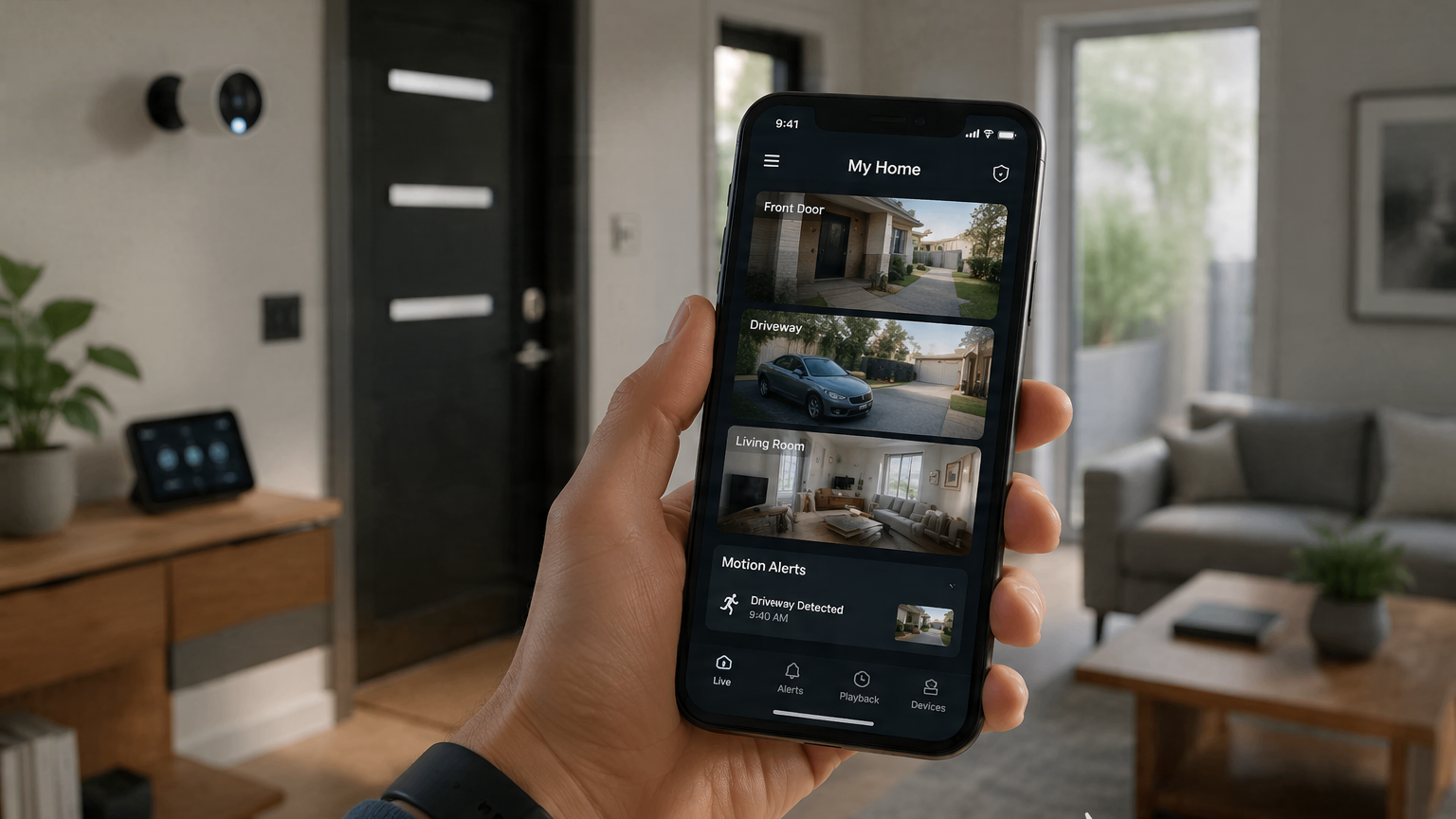
Home security used to mean expensive installations, bulky hardware, and confusing control panels. In 2026, that’s no longer the case. Most homeowners can now turn a smartphone into a fully functional monitoring hub in minutes—whether they want to check a front door camera, talk to a delivery driver, or review motion alerts while away from home.
But here’s the catch: not all security apps are equally useful. Some flood you with unnecessary notifications, while others rely too heavily on subscriptions to unlock basic features.
To separate the genuinely useful tools from the marketing noise, we evaluated the leading home security apps based on three real-world factors:
Alert speed and reliability
Video quality and playback performance
False alert filtering (AI accuracy vs. “noise”)
Here are the five best home security apps that actually deliver peace of mind in 2026.
1. Google Home (Nest Ecosystem)(iOS/Android)
OS Availability: iOS, Android
Pricing: Free app; optional Nest Aware subscription for video history and advanced AI alerts
Google Home remains one of the most polished and widely compatible smart home hubs, especially for users with Nest cameras or doorbells.
Its strongest feature is the AI-powered event detection that works across Google Nest devices. Instead of constantly alerting you to every shadow or moving leaf, it intelligently categorizes events like “person detected,” “vehicle activity,” or “package delivered.”
In testing, the system stood out for how quickly it surfaced live video feeds—often within one or two taps. For households already using Google speakers, displays, or Chromecast devices, the integration feels seamless.
Pros:
Smart AI filtering reduces false alerts
Excellent integration with Google Nest devices and smart displays
Fast, stable live video streaming
Works well across mixed smart home setups
Cons:
Full video history and advanced alerts require Nest Aware subscription
Best experience is limited to Google Nest hardware ecosystem
2. Ring (Amazon)(iOS/Android)
Pricing: Free app; Ring Protect subscription required for recording and advanced features
Ring remains one of the most widely recognized home security ecosystems, largely due to its simplicity and massive user base.
Its standout feature is the Neighborhood Alerts system, which creates a localized safety feed based on nearby Ring devices. This gives users a broader sense of activity around their home, not just inside it.
During testing, Ring’s Live View feature was consistently responsive, and two-way talk worked smoothly even on mobile data. It’s especially useful for speaking to delivery drivers, guests, or unexpected visitors when you’re away.
Pros:
Extremely easy to set up and use
Strong device ecosystem and compatibility
Reliable live streaming and two-way communication
Helpful neighborhood-wide safety alerts
Cons:
Many key features (video history, advanced detection) require subscription
Privacy concerns may not suit all users
3. Arlo Secure(iOS/Android)
Pricing: Free app; subscription required for cloud recording and advanced AI features
Arlo is best suited for users who prioritize video clarity and professional-grade monitoring.
Its ecosystem supports high-resolution cameras, including 2K and 4K models, and the difference in image detail is noticeable when zooming in on recorded footage.
A key feature is the emergency response integration, which allows users to quickly contact emergency services from within the app in supported regions. While this doesn’t replace emergency systems, it adds an extra layer of convenience during critical situations.
In testing, Arlo’s video clarity was among the best—especially in low-light conditions where detail retention matters most.
Pros:
Excellent video quality (up to 4K on supported devices)
Strong AI detection features (person, vehicle, package)
Reliable cloud storage system
Good low-light performance
Cons:
Higher hardware cost compared to competitors
Most smart features require subscription
4. Wyze(iOS/Android)
Pricing: Free app; optional Cam Plus subscription for advanced AI features
Wyze continues to dominate the budget-friendly smart home market, and its cameras offer surprising value for the price.
The key feature is its AI-based detection system (Cam Plus), which identifies motion events and distinguishes between people, pets, and general movement. Even without subscription upgrades, Wyze cameras remain functional for basic monitoring.
During testing, Wyze performed particularly well for indoor monitoring and casual home security setups, especially for users who want coverage without heavy investment.
Pros:
Extremely affordable hardware ecosystem
Solid basic monitoring features
MicroSD support for local recording
Good starter option for beginners
Cons:
Lower durability compared to premium brands
Advanced AI features require subscription
Performance depends heavily on Wi-Fi quality
5. Alfred Camera(iOS/Android)
Pricing: Free with ads; optional premium plan for HD streaming and advanced features
Alfred Camera stands out because it takes a completely different approach: instead of buying new hardware, you reuse old smartphones as security cameras.
This makes it one of the most accessible entry points into home security. Setup is fast—you install the app on two devices, assign one as a camera and the other as a viewer, and you’re ready to go.
In testing, Alfred worked well for indoor monitoring use cases such as baby monitoring, pet cameras, or secondary room coverage.
Pros:
No hardware cost if you reuse old devices
Very easy setup process
Works across Android and iOS devices
Good for indoor monitoring scenarios
Cons:
Limited by the quality of older phone cameras
Not suitable for outdoor or high-security environments
Ads in free version can be intrusive
The Final Verdict: Which Security App Should You Choose?
The best home security app depends on your setup and budget.
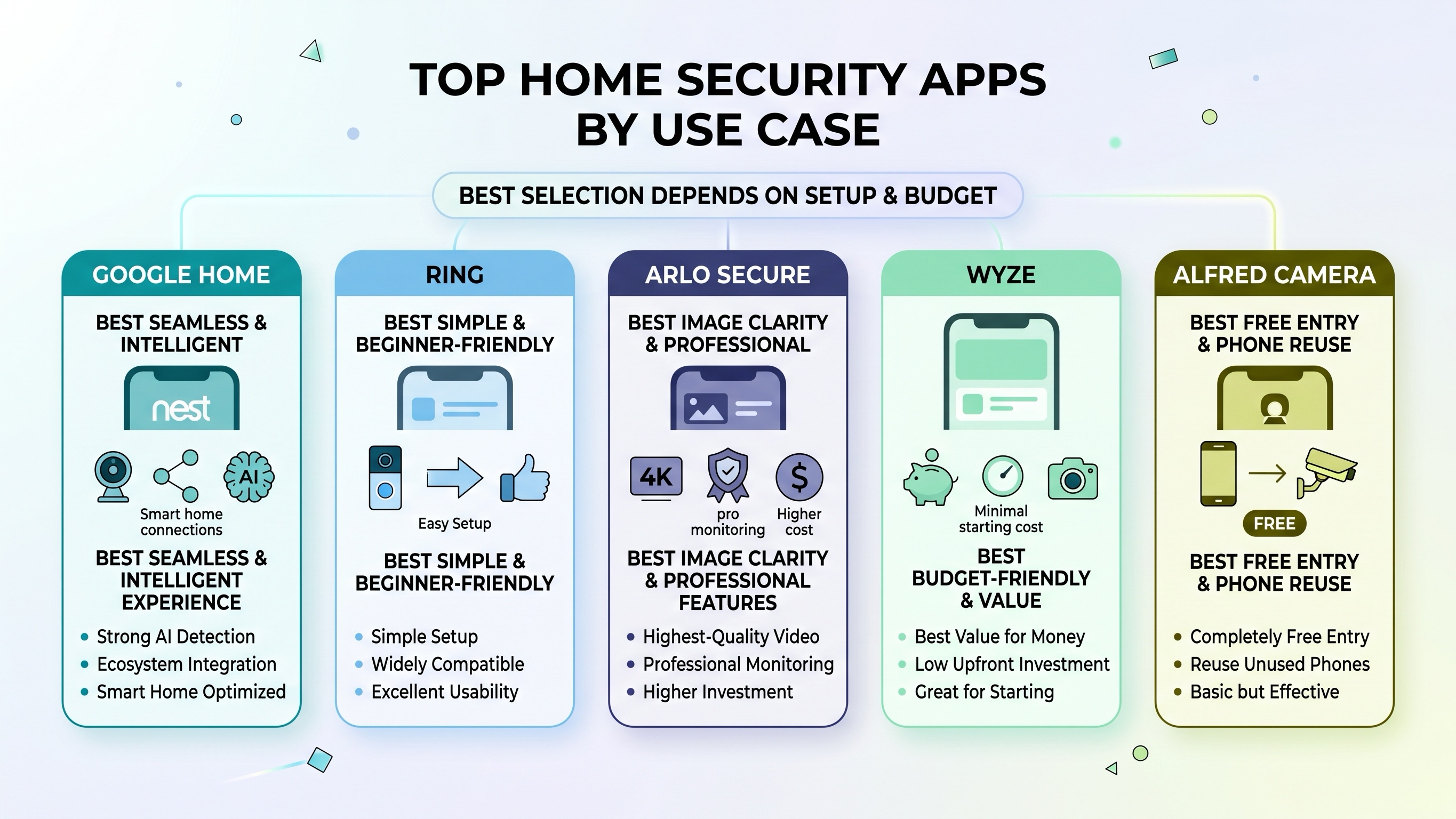
If you already use smart home devices, Google Home (with Nest cameras) offers the most seamless and intelligent experience thanks to its strong AI detection and ecosystem integration.
If you want something simple, widely compatible, and easy to set up, Ring remains the most beginner-friendly option with excellent real-world usability.
For users who care most about image clarity and professional monitoring features, Arlo Secure delivers the highest-quality video experience—but at a higher cost.
If you’re building a budget-friendly system or just getting started, Wyze offers the best value for money without requiring a large upfront investment.
And if you want a completely free entry point, Alfred Camera is a clever way to turn unused phones into a basic but effective home monitoring system.