From Neck Pain to Data Insights: The Best Apps to Keep You Upright and Organized
If your workday revolves around a laptop, chances are you've felt it—that stiff neck, tight shoulders, or dull ache that settles in after hours of staring at a screen. Most of us shrug it off as part of modern office life. The problem is, poor posture doesn't just leave you feeling sore. It drains your energy, tightens muscles that should stay relaxed, and makes even a normal workday feel more exhausting than it needs to be.
The encouraging part? You don't need a physical therapist looking over your shoulder every hour to build better habits. The right posture app can quietly keep you accountable, remind you when you're slipping into old patterns, or even help you understand why your body feels the way it does. We looked at the leading posture apps available in the US App Store and focused on the ones that offer meaningful feedback—not just another notification you'll eventually ignore.
1. Posture Pal
OS Availability: iOS
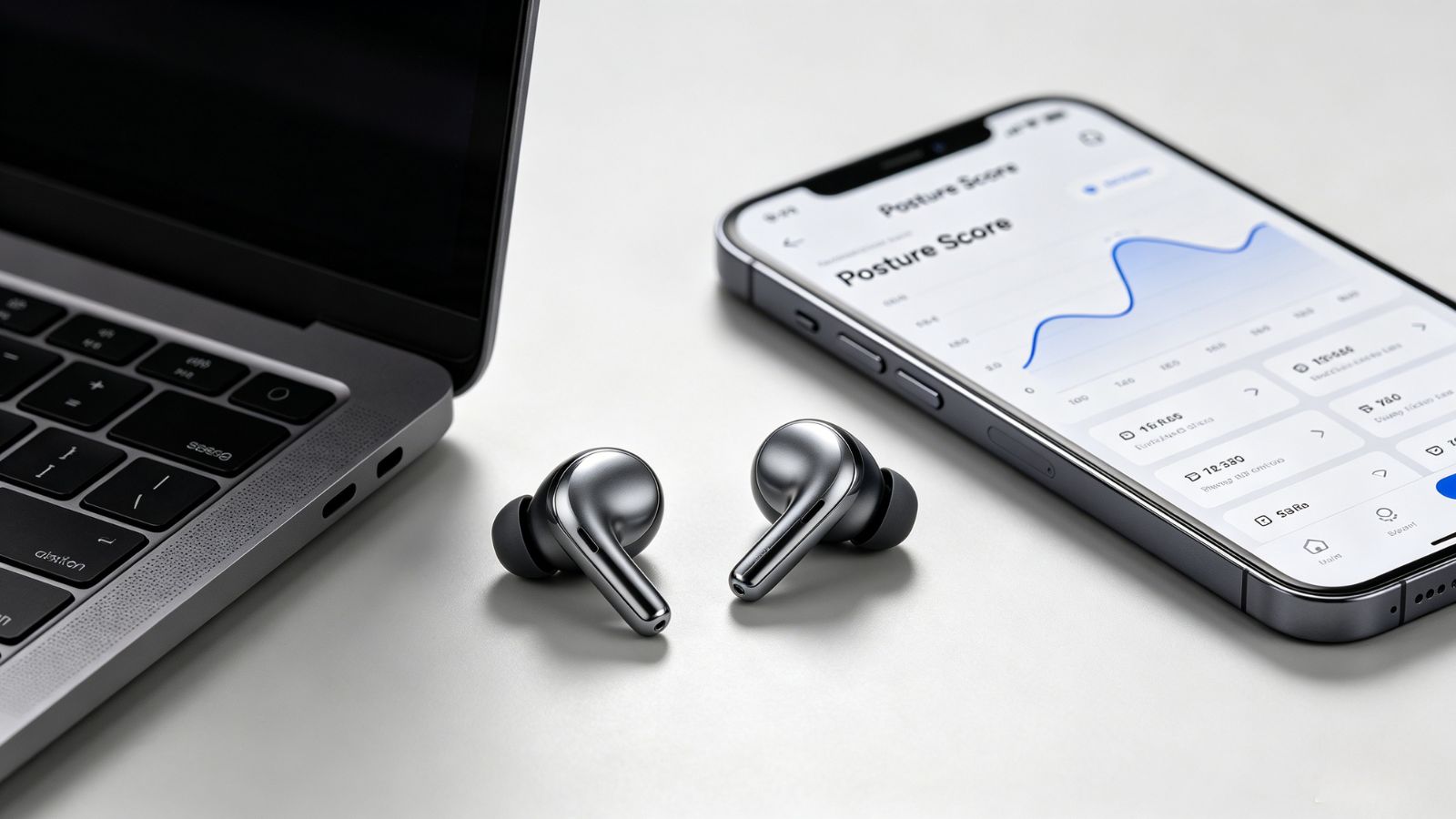
Posture Pal is one of those apps that blends into your routine almost immediately. Instead of asking you to buy extra equipment, it taps into the motion sensors already built into compatible AirPods and Beats headphones to monitor how your head is positioned throughout the day.
Where It Shines
The app quietly tracks your head's pitch and tilt while you work. If you spend too long craning your neck toward your screen or leaning to one side, it sends a gentle reminder before that poor posture becomes an hour-long habit. Over time, you can also review session statistics to see whether your posture is actually improving instead of relying on guesswork.
Pricing: Free to download, with a Pro subscription that unlocks custom sensitivity settings, themes, and additional features.
Pros:
No additional hardware required if you already wear compatible wireless headphones.
Runs quietly in the background without interrupting your workflow.
Session reports make it easy to track progress over weeks instead of days.
A Few Things to Know
The biggest limitation is also the biggest requirement—you need to be wearing your headphones for posture tracking to work. It's also available only on iPhone.
2. UPRIGHT
OS Availability: iOS / Android
UPRIGHT takes a different approach. Rather than relying on your phone, it pairs with a small wearable sensor that sits on your upper back, turning posture correction into active training instead of passive monitoring.
Where It Shines
Every time you start to slouch, the sensor gives a subtle vibration. That immediate physical feedback is surprisingly effective because it catches bad posture the moment it happens, helping your body build new habits naturally over time. The companion app also includes structured training programs, making it feel more like a guided coaching system than a simple reminder app.
Pricing: The app is free, but you'll need to purchase the UPRIGHT GO sensor separately.
Pros:
Instant haptic feedback encourages faster habit formation.
Includes structured posture training plans.
Excellent long-term tracking for posture improvement.
A Few Things to Know
The added hardware isn't for everyone, and sticking the sensor onto your back each day can become one more step in your morning routine.
3. Posture Workout
OS Availability: iOS / Android
Some people don't need another reminder to sit up—they need to undo years of tight muscles. That's where Posture Workout stands out.
Where It Shines
Instead of monitoring your posture throughout the day, the app focuses on guided corrective exercises. Most routines take around ten minutes, making them easy to fit into a lunch break or after work. If rounded shoulders or neck stiffness are your biggest complaints, strengthening and stretching the right muscles often makes a bigger difference than another notification.
Pricing: Free trial available; subscription required for the full exercise library and personalized programs.
Pros:
Clear video demonstrations that are easy to follow.
Targets the muscle imbalances that often contribute to poor posture.
Modern interface with streaks and progress tracking to keep motivation high.
A Few Things to Know
This isn't a posture monitoring app, so don't expect real-time alerts while you're sitting at your desk.
4. UpWise
OS Availability: iOS
UpWise starts by figuring out where you are today before telling you what to improve. Using your phone's camera, it analyzes your posture and creates a personalized plan based on the results.
Where It Shines
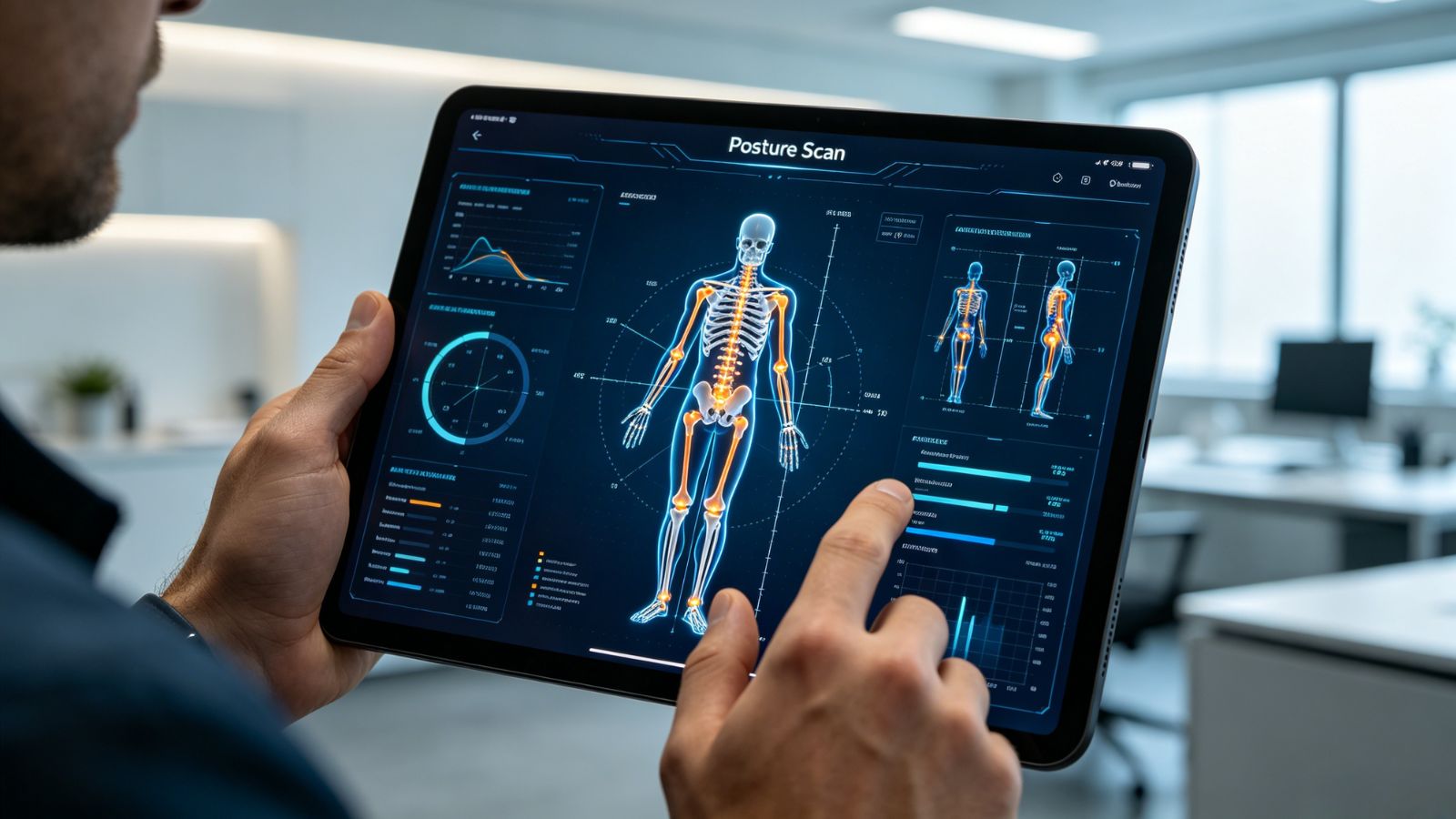
The initial Posture Scan provides a baseline score and identifies common issues like forward head posture or rounded shoulders. From there, the app recommends exercises tailored to your specific alignment rather than offering the same routine to everyone. Regular scans also make it easy to see whether your posture is actually changing over time.
Pricing: Initial scan and basic exercises are free; subscription required for advanced routines and ongoing posture analysis.

Pros:
Personalized recommendations based on your own posture.
Progress is easy to measure through repeat scans.
Ideal for people who enjoy working toward clear goals.
A Few Things to Know
You'll need enough space to position your phone correctly during scans, so the setup isn't quite as effortless as apps that work entirely in the background.
5. PostureScreen
OS Availability: iOS / Android
PostureScreen sits closer to the clinical end of the spectrum. It's widely used by physical therapists, chiropractors, and other healthcare professionals to assess posture with objective measurements rather than simple observations.
Where It Shines
Using computer vision, the app maps key points on your body and measures alignment with impressive precision. The reports are detailed enough to share with a healthcare provider, making it particularly useful if you're already working with a physical therapist or investigating persistent pain.
Pricing: Basic features are free, while advanced assessments and professional reporting require payment.
Pros:
Clinical-grade posture assessments.
Generates detailed reports you can share with healthcare professionals.
Provides objective measurements instead of subjective impressions.
A Few Things to Know
PostureScreen isn't really built for everyday habit tracking. It's much better suited for periodic assessments, and there's a noticeable learning curve compared with the other apps on this list.
Which App Makes the Most Sense?
The best choice depends less on the app itself and more on how you want to improve your posture.
If you spend most of the day wearing headphones at your desk, Posture Pal is the easiest way to build awareness without changing your routine.
If you've been trying—and failing—to stop slouching for years, UPRIGHT offers the strongest behavioral feedback thanks to its wearable sensor and instant vibration alerts.
If your neck and shoulders already feel stiff by lunchtime, Posture Workout may deliver the biggest payoff. Spending ten focused minutes improving mobility often does more than hearing another reminder to "sit up straight."
One final tip: resist the urge to download every posture app you can find. Pick one tool that helps you notice bad habits and, if needed, pair it with a short daily exercise routine. Better posture isn't built by collecting data—it's built by repeating small, consistent movements until they become second nature.