Energy Management Apps: Smart Tools to Track and Cut Your Utility Bills in 2026
Opening an unexpectedly high electricity bill still has a way of catching people off guard. Even in 2026, when homes are packed with smart devices, most households only see their energy usage after the fact—when the bill arrives and there’s nothing left to adjust.
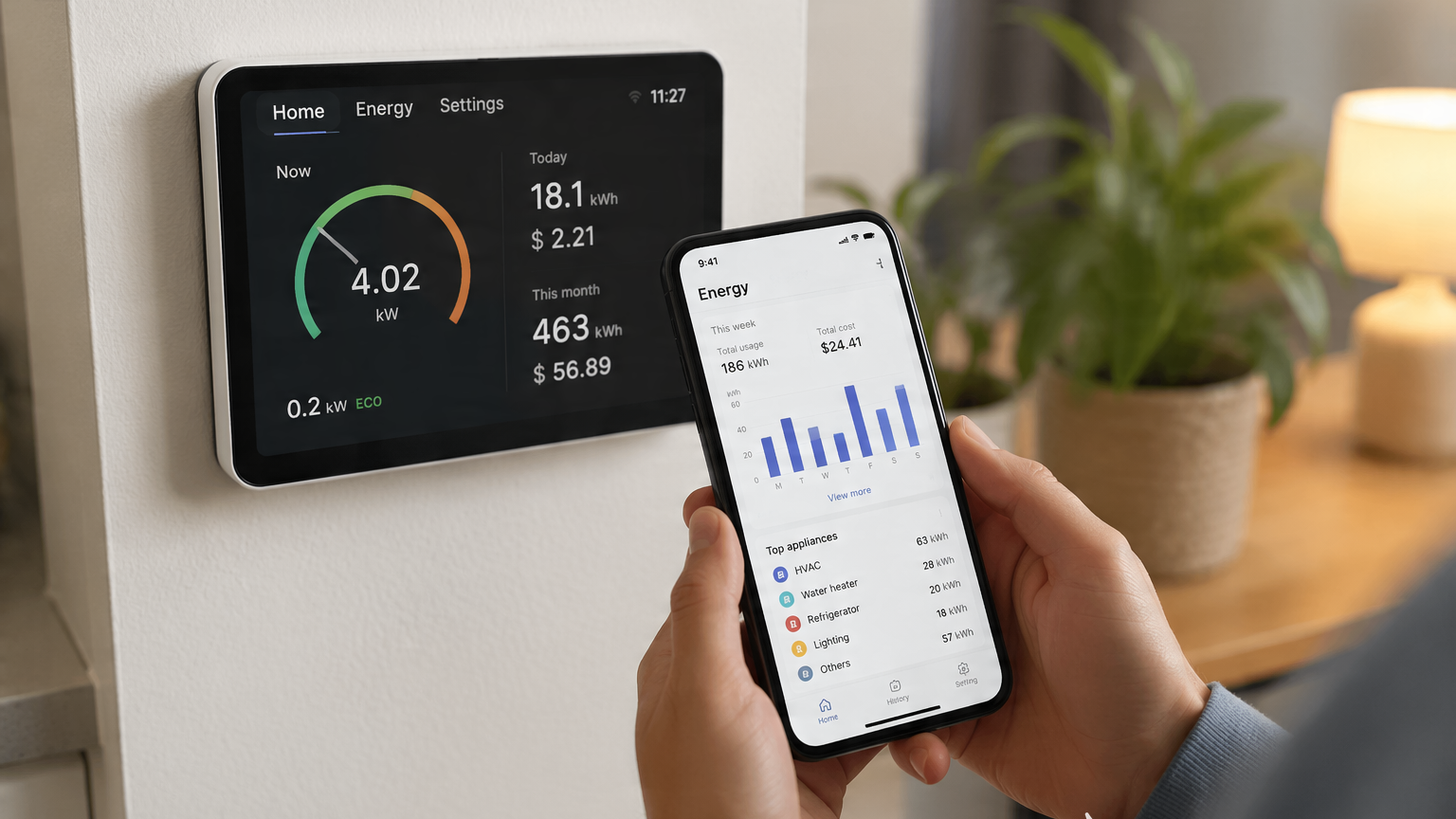
That’s exactly why energy management apps have become more useful than ever. Instead of guessing where your power goes, these tools help you see patterns in real time, identify inefficient appliances, and, in some cases, even automate savings.
When reviewing today’s energy tracking ecosystem, we focused on three practical factors: real-time visibility, ease of setup, and actionable insights (not just charts, but actual ways to reduce consumption).
Here are five reliable, widely available apps and platforms that genuinely help you understand and control your home energy use in 2026.
1. Home Assistant Energy Dashboard(iOS/Android)
Pricing: Free (open-source; optional hardware required)
The Reality Check:
Home Assistant is not a traditional “energy app” in the App Store sense—it’s a full smart home platform. But its Energy Dashboard has become one of the most powerful free tools for homeowners who want deep visibility into their consumption.
When connected to compatible smart plugs, solar inverters, or energy meters, it provides a unified view of electricity usage, solar production, and even device-level consumption. In testing, the biggest advantage wasn’t just the data—it was the ability to build a completely customized system around your home.
Pros:
Extremely flexible and customizable energy tracking
Works with a wide range of devices and smart meters
No subscription fees or cloud lock-in
Supports solar + battery + grid energy visualization
Cons:
Setup can be technical for beginners
Requires compatible hardware for best results
Not a “plug-and-play” consumer app
2. Emporia Energy(iOS/Android)
Pricing: Free app (hardware required, such as Vue Energy Monitor)
The Reality Check:
Emporia is one of the most practical consumer-grade energy monitoring systems available today. Its strength lies in circuit-level monitoring, which means you can see exactly how much energy specific appliances are consuming.
When tested with a full home setup, Emporia quickly revealed surprising “hidden loads”—like standby consumption from older appliances and an inefficient water heater that was quietly driving up monthly costs.
Pros:
Detailed appliance- and circuit-level breakdown
Excellent for identifying energy waste
Strong support for solar and EV charging tracking
Clean and easy-to-read interface
Cons:
Requires installation in your electrical panel
May need professional electrician support
Hardware cost is necessary upfront
3. Sense Home Energy Monitor(iOS/Android)
Pricing: Free app + hardware purchase required
The Reality Check:
Sense is one of the most recognizable names in AI-powered home energy monitoring. Its key feature is machine-learning-based device detection, which attempts to identify appliances based on their electrical “signature.”
In real-world use, Sense is especially good at identifying large, high-consumption devices like HVAC systems, dryers, and refrigerators. However, it can take time for the system to “learn” your home’s energy patterns.
Pros:
AI-based appliance detection
Real-time energy monitoring
Useful insights into always-on devices
Good mobile notifications for usage spikes
Cons:
Device identification is not always immediate or accurate
Requires hardware installation in electrical panel
Works best in homes with stable, consistent loads
4. Shelly Smart Control(iOS/Android)
Pricing: Free app (hardware optional but recommended)
The Reality Check:
Shelly is slightly different from full energy platforms—it’s more of a smart device + energy monitoring ecosystem. Its smart plugs, relays, and meters can track real-time consumption at the outlet level.
When tested, Shelly proved especially useful for renters or smaller households who don’t want to modify their electrical panel. Plugging a Shelly smart plug into appliances like heaters or coffee machines gives surprisingly accurate consumption data.
Pros:
No need for full panel installation
Affordable hardware options
Good for renters and small apartments
Integrates with Alexa, Google Home, and Home Assistant
Cons:
Limited visibility compared to whole-home systems
Requires multiple devices for full coverage
Best for partial rather than complete monitoring
5. Tesla App (Energy + Powerwall Users)(iOS/Android)
Pricing: Free (requires Tesla solar or Powerwall hardware)
The Reality Check:
For homes equipped with Tesla Solar Panels or Powerwall, the Tesla app doubles as a surprisingly effective energy management tool. Its strength lies in real-time energy flow visualization—showing exactly how much energy is coming from solar, stored in batteries, or drawn from the grid.
During testing, one of the most useful aspects was the ability to optimize energy usage based on time-of-day pricing and solar generation forecasts.
Pros:
Excellent visualization of energy flow
Strong integration with solar + battery systems
Helps optimize energy usage for cost savings
Very polished, user-friendly interface
Cons:
Only useful if you own Tesla energy products
No cross-brand energy monitoring support
Limited customization compared to open platforms
The Final Verdict: Which Energy App Should You Choose?
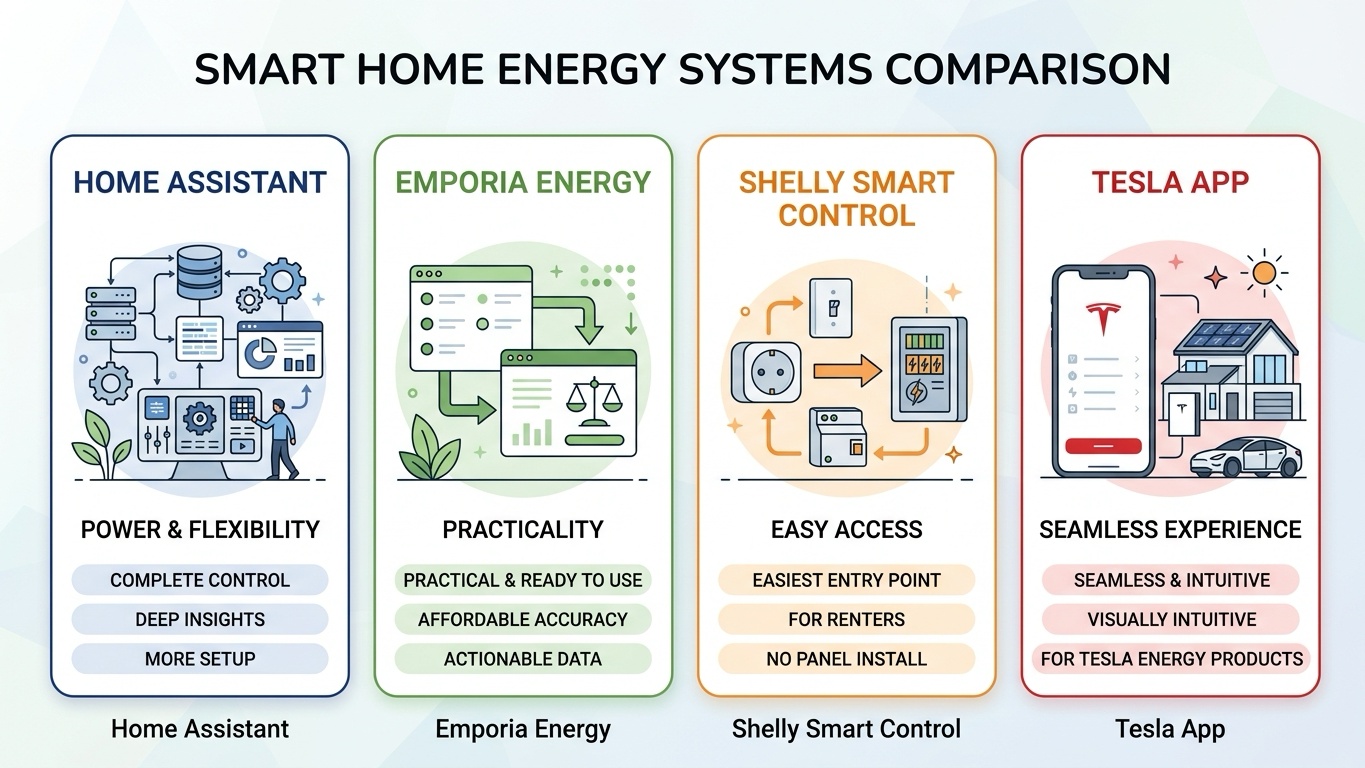
If you want the most powerful and flexible system, Home Assistant is the clear winner. It requires more setup, but it gives you complete control and the deepest level of insight.
If you prefer something practical and ready to use out of the box, Emporia Energy is the best balance of affordability and accuracy. It gives you actionable data without overwhelming complexity.
For renters or smaller setups, Shelly Smart Control is the easiest entry point—it delivers meaningful insights without requiring electrical panel installation.
And if your home already runs on Tesla energy products, the Tesla app is the most seamless and visually intuitive option available.