Ditch the Desktop: 5 Mobile Video Editing Apps That Make Your Content Pop
Why Social Media Creators Need Better Editing Apps
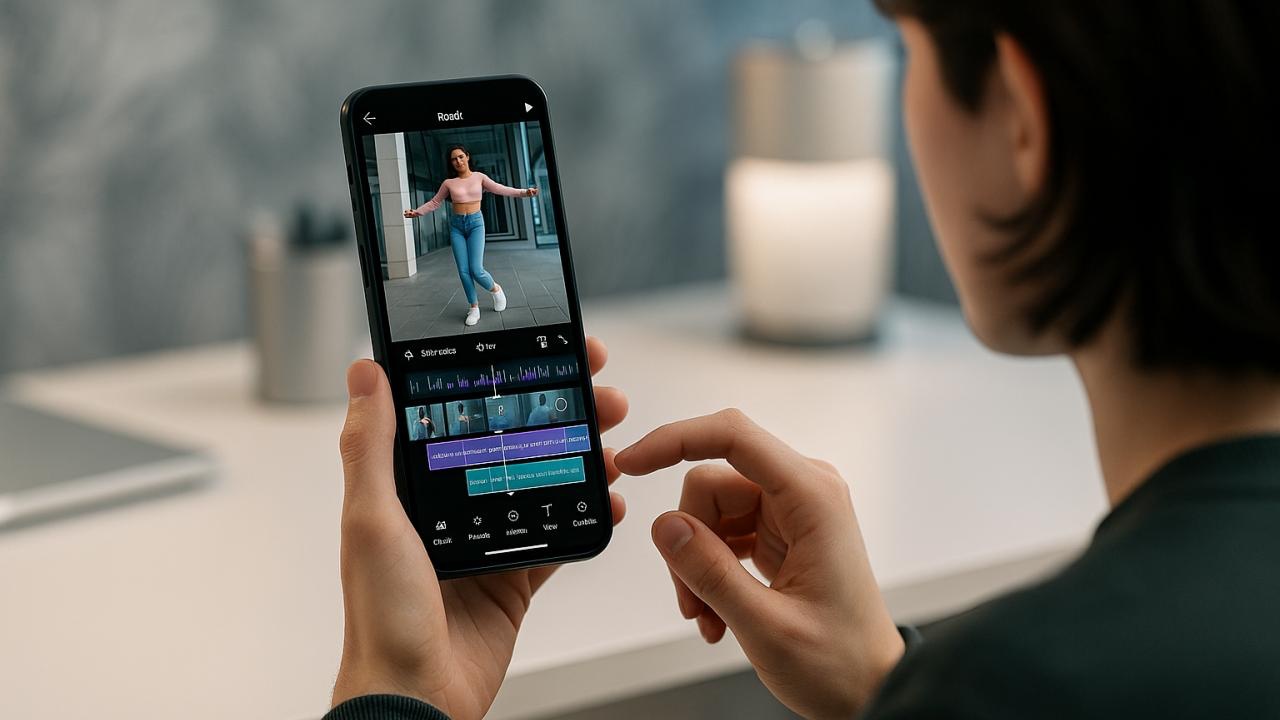
Creating content for TikTok, Instagram Reels, YouTube Shorts, and other social platforms is no longer just about recording a video and hitting upload.
Modern creators need captions, transitions, music synchronization, templates, color correction, AI-powered editing tools, and platform-specific export settings. The right editing app can dramatically reduce production time while improving the final result.
To identify the best mobile video editing apps, testing focused on:
Ease of creating short-form content
Editing performance on mobile devices
Captioning and AI tools
Export quality
Overall value for creators
The following apps are actively maintained, available through the US Apple App Store or Google Play Store, and widely used by social media creators in 2026.
1. CapCut (iOS & Android)
Pricing
Free version available
Optional CapCut Pro subscription
The Reality Check: What Actually Works?
When testing short-form content workflows, CapCut consistently completed projects faster than almost any competitor.
Auto-captions, AI-powered background removal, trending templates, text animations, and social-media-friendly effects make it particularly effective for TikTok, Instagram Reels, and YouTube Shorts.
Many creators can go from raw footage to a finished social media post without ever opening another editing app.
Pros
Excellent AI tools
Powerful auto-caption generation
Huge template library
Easy learning curve
Supports advanced editing workflows
Available on both platforms
Cons
Some premium features require subscription
Interface can feel crowded
Heavy reliance on cloud-based features
Verdict
For most social media creators, CapCut delivers the best overall balance of speed, features, and ease of use.
2.InShot (Android)
Pricing
Free version available
In-app purchases
Subscription available
The Reality Check: What Actually Works?
InShot remains one of the easiest video editors for beginners.
During testing, trimming clips, resizing content for different social platforms, adding music, inserting text overlays, and exporting videos required very little learning. The app is particularly useful for creators producing quick Instagram and TikTok content.
Its straightforward workflow helps users focus on publishing rather than mastering complicated editing techniques.
Pros
Beginner-friendly
Fast editing workflow
Easy social media exports
Good music and text tools
Available on both platforms
Cons
Fewer advanced editing features
Watermark in free version
Limited professional controls
Verdict
For beginners, InShot remains one of the easiest ways to create polished social media videos.
3.VN Video Editor (iOS & Android)
Pricing
Free
The Reality Check: What Actually Works?
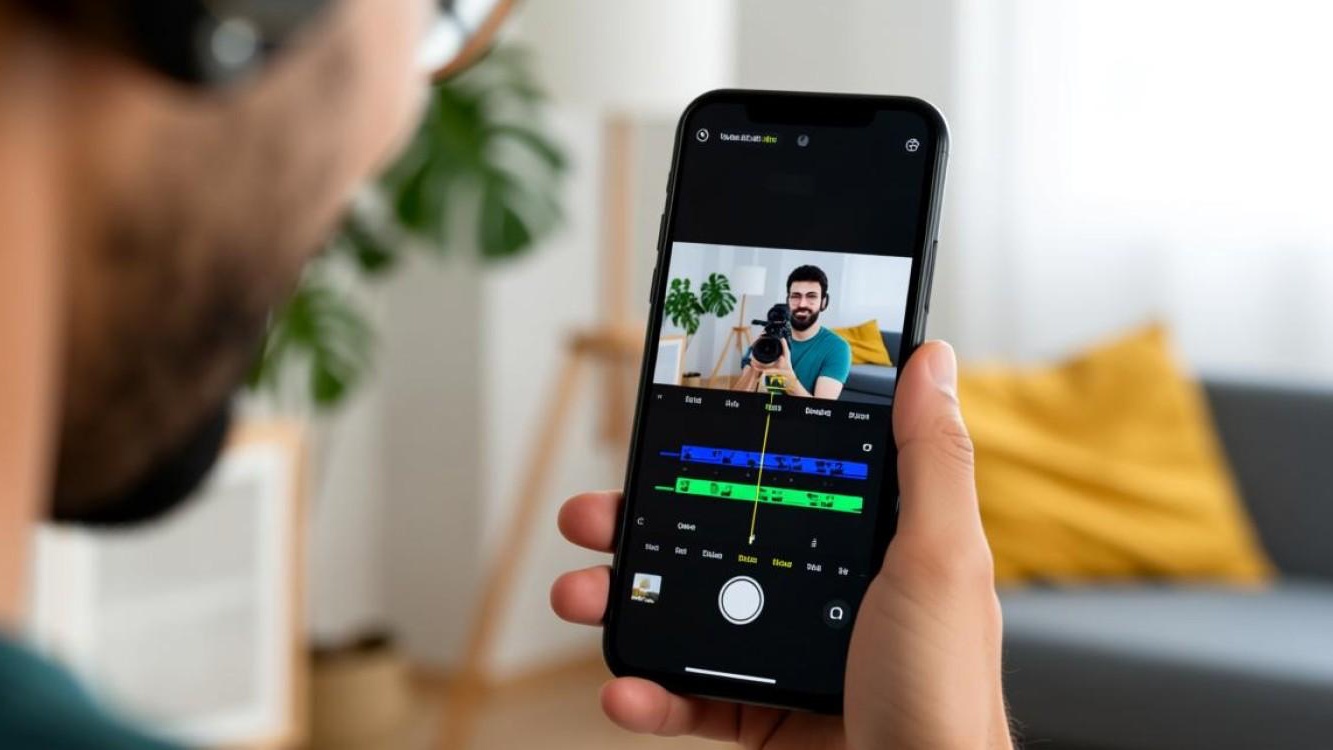
VN Video Editor impressed throughout testing because it offers surprisingly advanced features without requiring a subscription.
The app supports multi-track timelines, keyframe animation, speed ramps, transitions, and professional-style editing tools that often require payment elsewhere.
For creators looking to move beyond basic editing without committing to expensive subscriptions, VN offers substantial value.
Pros
Completely free
Advanced timeline editing
Keyframe support
No major learning barriers
Professional-level features
Cons
Smaller template ecosystem
Fewer AI tools
Interface may overwhelm beginners
Verdict
VN is one of the strongest free video editing apps currently available.
4. KineMaster (iOS & Android)
Pricing
Free version available
KineMaster Premium subscription
The Reality Check: What Actually Works?
KineMaster has long been popular among mobile creators who want more control over their edits.
Testing showed strong support for layers, chroma key effects, transitions, audio editing, and detailed project customization. While newer apps often emphasize automation, KineMaster gives creators greater manual control.
This flexibility remains valuable for educational content, gaming videos, and more complex social media productions.
Pros
Advanced editing controls
Layer support
Chroma key functionality
Strong audio editing tools
Available on both platforms
Cons
Subscription required for full experience
Interface can feel complex
Less template-driven than competitors
Verdict
KineMaster is best suited for creators who want deeper editing control on mobile devices.
5.Videoleap (iOS & Android)
Pricing
Free version available
Videoleap Pro subscription available
The Reality Check: What Actually Works?
When testing social-media-focused editing workflows, Videoleap stood out because it combines traditional timeline editing with modern AI-powered content creation tools.
The app makes it easy to remove backgrounds, generate visual effects, create animated text, and produce platform-ready vertical videos without requiring professional editing experience.
For Instagram Reels, TikTok videos, and YouTube Shorts, Videoleap consistently reduced editing time while still providing enough creative control for more advanced creators.
Its template system is particularly useful for creators who publish frequently and need professional-looking content without rebuilding projects from scratch.
Pros
Available on both iOS and Android
Modern AI editing tools
Excellent vertical-video workflow
Strong template library
Beginner-friendly interface
Frequent feature updates
Cons
Many premium tools require subscription
Advanced editors may prefer more manual controls
Some AI features require internet connectivity
Verdict
Videoleap offers one of the best balances between simplicity and creative power, making it an excellent choice for creators focused on short-form social media content.
The Final Verdict
For social media creators, the best editing app depends on workflow and experience level.
Best Overall Social Media Video Editor
CapCut
Its combination of AI tools, auto-captions, templates, and short-form content optimization makes it the strongest all-around choice for modern creators.
Best Overall Social Media Video Editor
CapCut
Best AI-Powered Creative Editor
Videoleap
Best for Beginners
InShot
Best Free Advanced Editor
VN Video Editor
Best for Manual Editing Control
KineMaster
Creators who want greater precision and customization will appreciate its advanced feature set.
For most content creators in 2026, the most effective setup is CapCut paired with VN Video Editor. CapCut excels at rapid production, AI-powered editing, and platform-ready templates, while VN provides deeper timeline editing when projects become more complex. Together, they cover nearly every social media video workflow without requiring expensive desktop software.