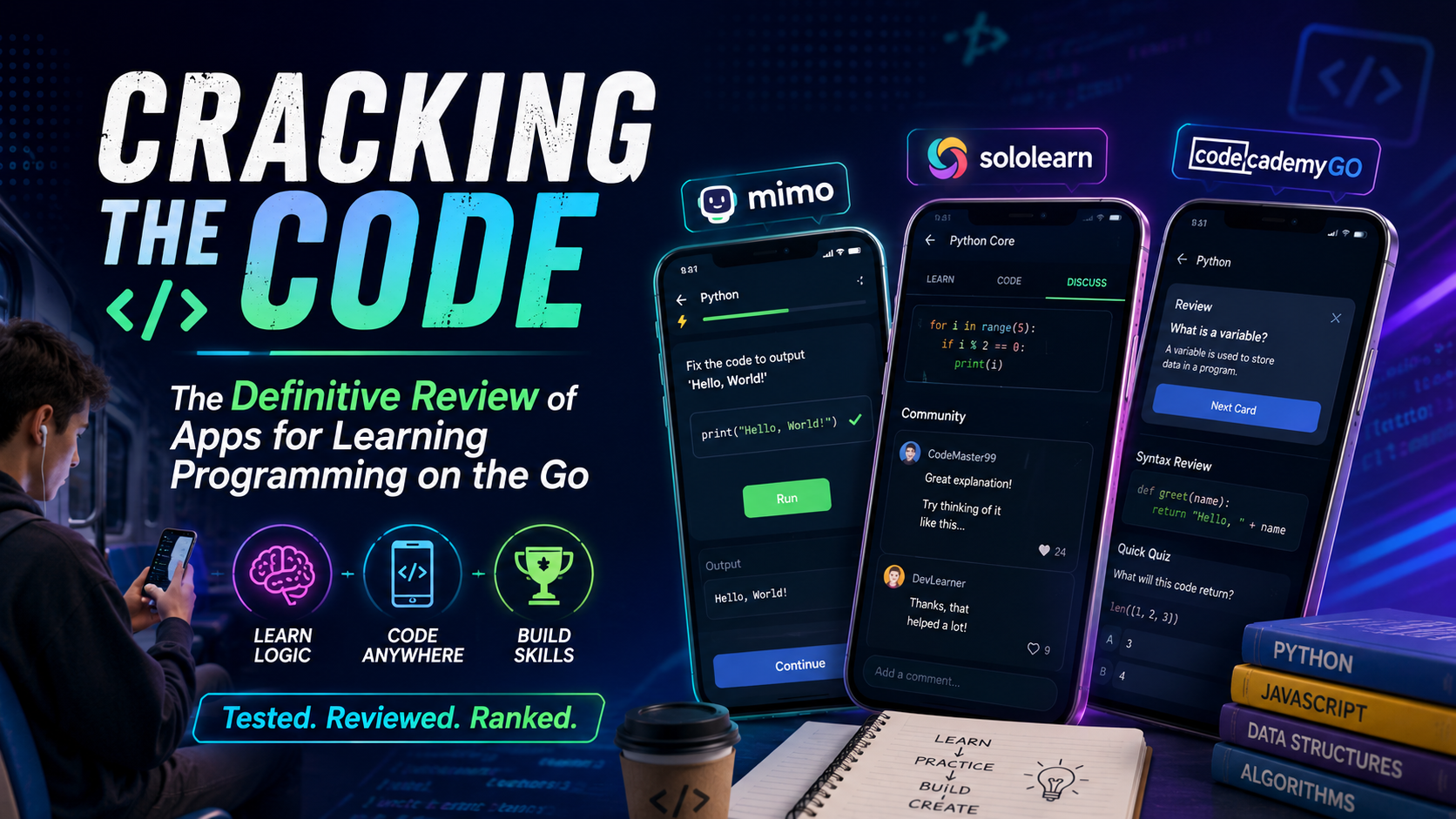
Cracking the Code: The Definitive Review of Apps for Learning Programming on the Go
Learning how to code used to mean sitting in front of a dual-monitor desktop setup, surrounded by thick textbooks and consuming endless amounts of caffeine. Today, mobile app developers promise that you can learn Python, JavaScript, or HTML while riding the subway or waiting for your coffee order. But can you actually build a programming foundation from a five-inch smartphone screen, or are these apps just Duolingo clones that teach you syntax but leave you clueless about building actual software?
To find out, we put the most popular coding apps through a rigorous real-world testing process over the course of three weeks. We evaluated them based on three strict criteria: how effectively they teach core programmatic logic, the friction level of their mobile coding interfaces, and whether their pricing models offer genuine value for beginners. We intentionally avoided abandoned projects and focused purely on active, top-tier platforms available right now on the US Apple App Store and Google Play Store.
Here is the brutal reality of how the top three coding apps performed under actual testing conditions.
Mimo (iOS / Android)
Mimo is frequently pitched as the ultimate entry point for complete beginners, offering highly gamified, bite-sized paths in Web Development (HTML/CSS/JavaScript), Python, and SQL.
The Reality Check
When we tested Mimo, its pacing immediately stood out. If you have zero technical background, this app does an incredible job of removing intimidation. The interactive micro-lessons feel like a game, but instead of matching words, you are rearranging blocks of actual code to execute functional loops and variables.
The standout feature that genuinely works is the built-in mobile development environment. Mimo includes a pocket-sized code playground where you can write code from scratch and test it instantly. Unlike other platforms that limit you to multiple-choice quizzes, Mimo forces you to deal with syntax errors directly on your screen. However, while it builds excellent daily muscle memory, the app stops short of teaching you how to set up a local development environment on a computer—a critical hurdle every developer must eventually cross.
Pros & Cons
Pro: Exceptionally clean user interface that makes complex logic like nested loops feel simple.
Pro: The structured, gamified tracks provide strong psychological motivation to keep a daily streak alive.
Pro: Pocket playground lets you execute real Python or JavaScript code with a built-in mobile console.
Con: Advanced concepts are noticeably shallow; it will not prepare you for a real-world software engineering job on its own.
Con: The free tier is aggressively restricted by a "hearts" system that locks you out when you make too many syntax mistakes.
Pricing Model
Free Tier: Basic access with ads and a limited life/heart system.
Mimo Pro: Approximately $14.99 per month or $99.99 annually to unlock unlimited practice, offline access, and certificates.
Sololearn (iOS / Android)
Sololearn takes a vastly different approach by offering an extensive library of more than 20 programming languages, including heavy hitters like C++, C#, Java, Python, and Swift, backed by a massive global community of learners.
The Reality Check
Our time testing Sololearn revealed an platform built around a highly active social ecosystem. The absolute best part of Sololearn is its "Code Playground" and community challenge feature. You can write scripts, publish them to a public feed, and view code written by other users directly inside the app.
If you get stuck on a tricky concept—like pointers in C++ or asynchronous functions in JavaScript—the comment section under each lesson serves as a crowdsourced stack overflow. Peers explain tricky logic using creative analogies that are often better than the official lesson text. The downside? The teaching methodology is highly text-heavy and quiz-centric. It often feels like reading a digitized textbook interrupted by multiple-choice questions, which lacks the immersive, hands-on layout found in modern web-based bootcamps.
Pros & Cons
Pro: Unmatched variety of languages; great if you want to explore niche tracks like Ruby or data science frameworks.
Pro: Excellent peer-to-peer community and discussion boards that help solve specific learning blocks.
Pro: Head-to-head coding challenges allow you to play against other users to test your speed and accuracy.
Con: The user interface feels cluttered and less polished compared to its direct competitors.
Con: Explanations can lean too heavily on technical jargon without enough introductory hand-holding.
Pricing Model
Free Tier: Ad-supported access to core courses and community features.
Sololearn Pro: Starts at $12.99 per month or $69.99 per year, which removes ads and unlocks personalized learning paths and certificates.
Codecademy Go (iOS / Android)
Codecademy is a legendary name in desktop-based coding education. Codecademy Go is their mobile companion app designed to let existing users practice web development, data science, and computer science concepts away from their desks.
The Reality Check
It is vital to understand what Codecademy Go is—and what it isn't. When we tested this app on the go, we quickly realized it is not a standalone platform designed to teach you how to code from scratch on your phone. Instead, it is explicitly built as a reinforcement tool.
If you are already taking Codecademy’s deep-dive courses on a desktop computer, the mobile app uses smart flashcards, quick review quizzes, and syntax-scrambles using spaced repetition to ensure you don't forget what you learned. The newly updated user experience makes it simple to flip through cards during a commute. However, if you open this app expecting to write complete lines of backend script or build a full webpage purely on your phone, you will be highly disappointed. Most complex interactions simply link you back to their desktop site.
Pros & Cons
Pro: Perfect structural integration with Codecademy’s industry-standard desktop curriculum.
Pro: Spaced-repetition flashcards are highly effective for memorizing strict syntax rules and terminology.
Pro: Includes real-world tips, articles, and career insights from industry professionals.
Con: Completely useless as a standalone app; you cannot effectively learn to code here without a desktop account.
Con: Very limited built-in code editor within the mobile interface compared to Mimo.
Pricing Model
Free Tier: Minimal access to basic daily practice flashcards.
Paid Plans: Requires a Codecademy Plus ($14.99/month) or Pro ($19.99/month) subscription to unlock the full ecosystem of courses that sync with the mobile companion.
The Final Verdict
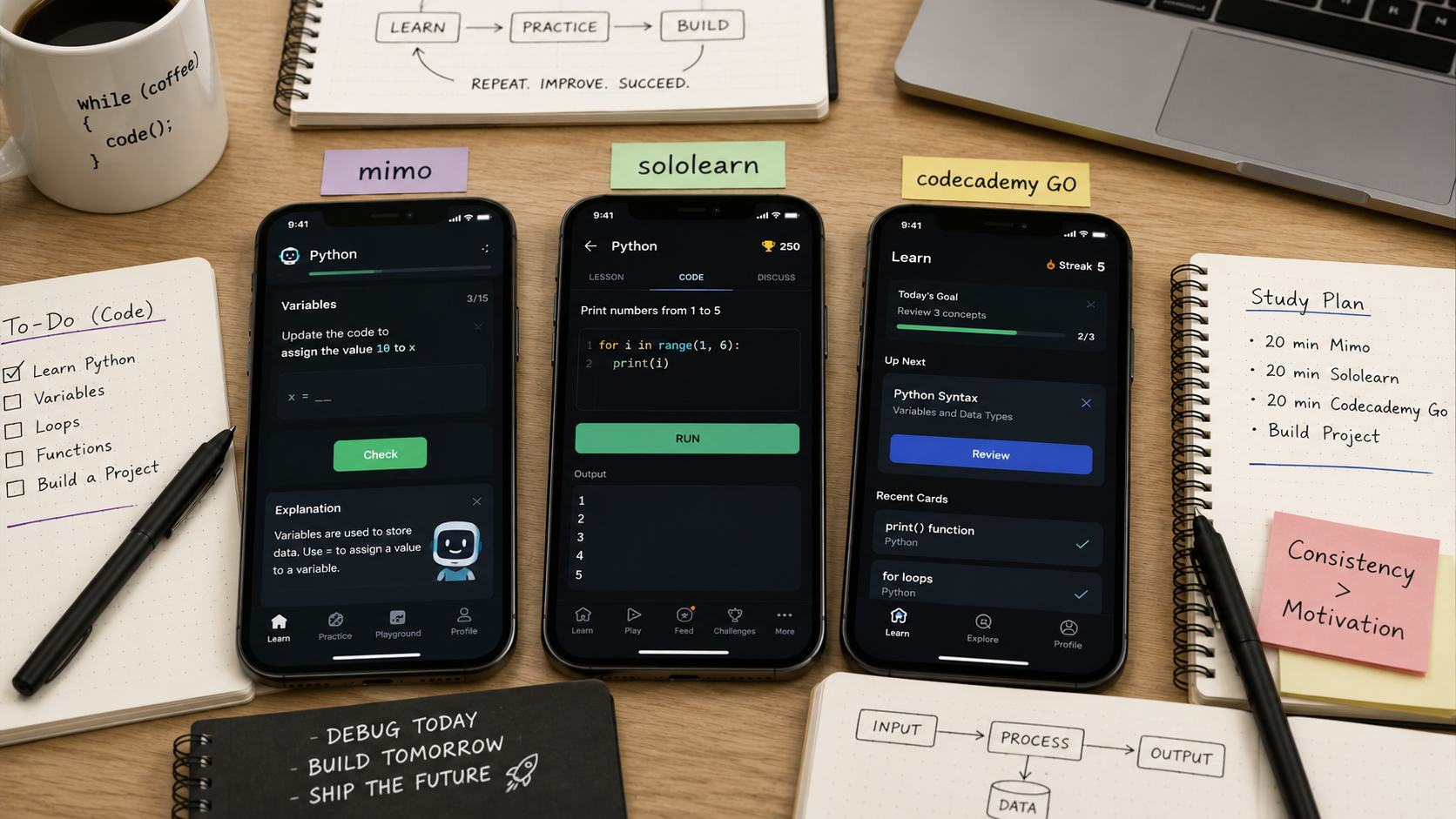
After weeks of debugging, scrolling, and running mobile scripts, we found that the right app depends entirely on your current learning stage.
If you are a total beginner who has never written a single line of script and wants a fun, low-friction environment to learn fundamental programming concepts, Mimo is the clear winner. Its mobile execution environment handles coding inputs beautifully.
However, if you are a university student or professional already learning on a computer and simply need a pocket tool to drill syntax rules into your memory, Codecademy Go wins as a supplementary tool. For those who want to explore unique languages without financial barriers, Sololearn remains a solid alternative due to its robust peer community.